• Home
  • For You
  • Create
  • Pricing
  • More
Anyken
Pricing
Settings
Language
English
  • English
  • 日本語
  • 한국어
  • Español
  • العربية
  • Français
  • Deutsch
  • Русский
  • Nederlands
  • Italiano
ThemeAtelier
NSFW Video GeneratorNSFW Image GeneratorPrivacy policyTerms of serviceRefund policy
Anyken
  • Home
  • For You
  • Studio
  • My AI
  • AI Video
  • AI Image
  • Anime / Manga
  • AI Tools
  • Generate
  • Agent
  • Home
  • For You

Create & chat

  • Studio
  • AI Video
  • AI Image
  • Anime / Manga
  • Generate
  • Agent

Public discovery

  • My AI
  • AI Tools
Upgrade for more
Anyken
ContactPrivacyTermsRefund

Anyken | AI Video & Image Generator

support@anyken.com

Contact Anyken at support@anyken.com with the page URL and a description of your question. Model names and trademarks belong to their owners.

© 2026 Anyken. All rights reserved. ACKERMAN TECH SOLUTIONS LLC

    Image to 3D

    Quality

    New here? Three steps
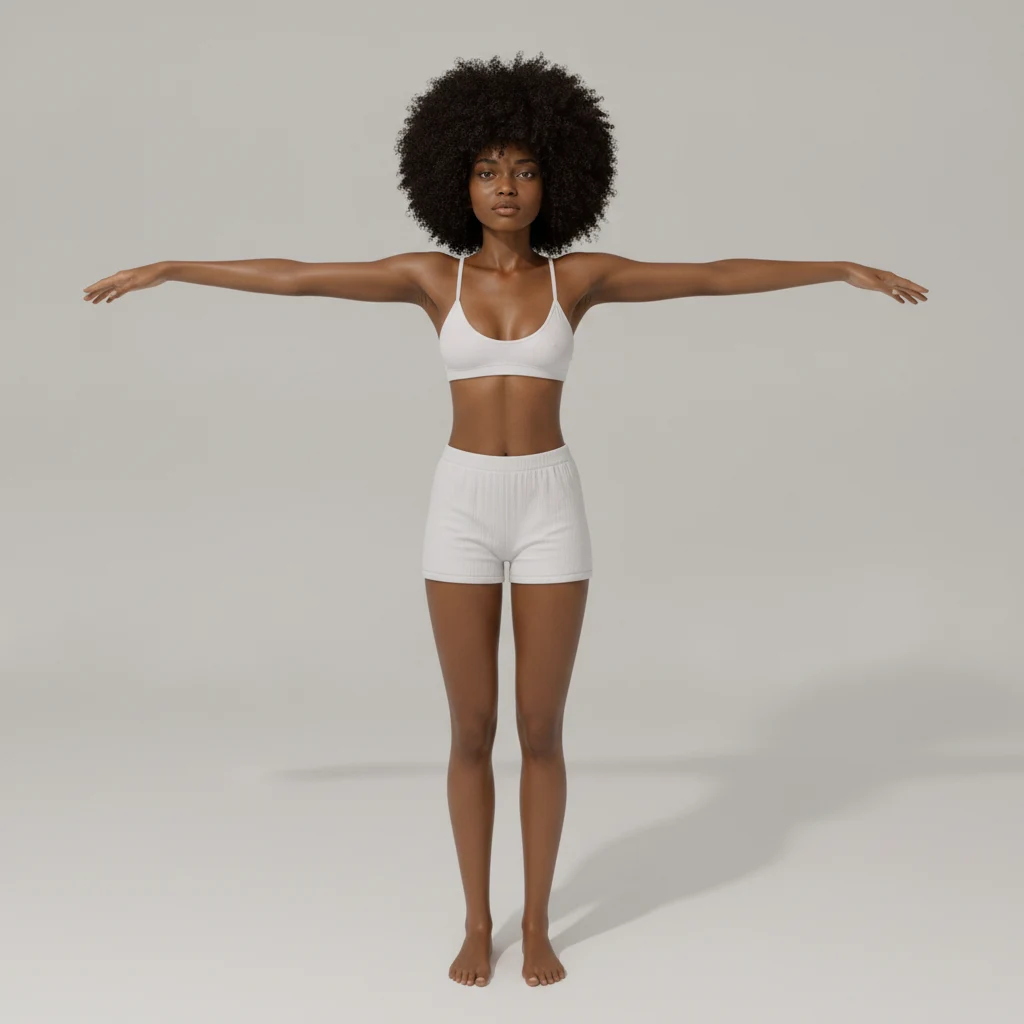
    1. Upload one photo of a single person or object. A plain background works best.
    2. If it is a person, keep Character selected. Then tap Generate 3D.
    3. When it finishes, drag the model to spin it. In Inspiration, tap the 3D picture.

    Better photos

    • One person or one object — not a whole scene.
    • Plain background. A hotel room or street will melt into the model.
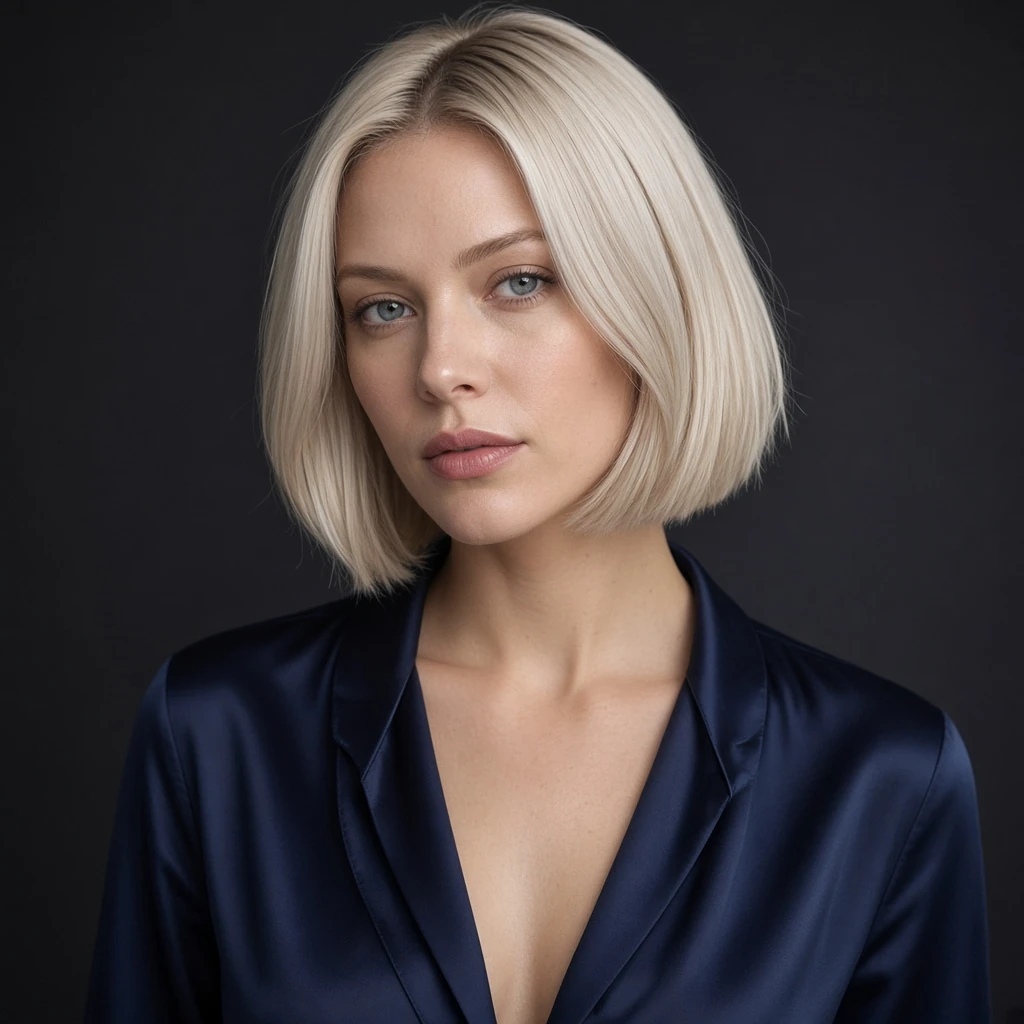
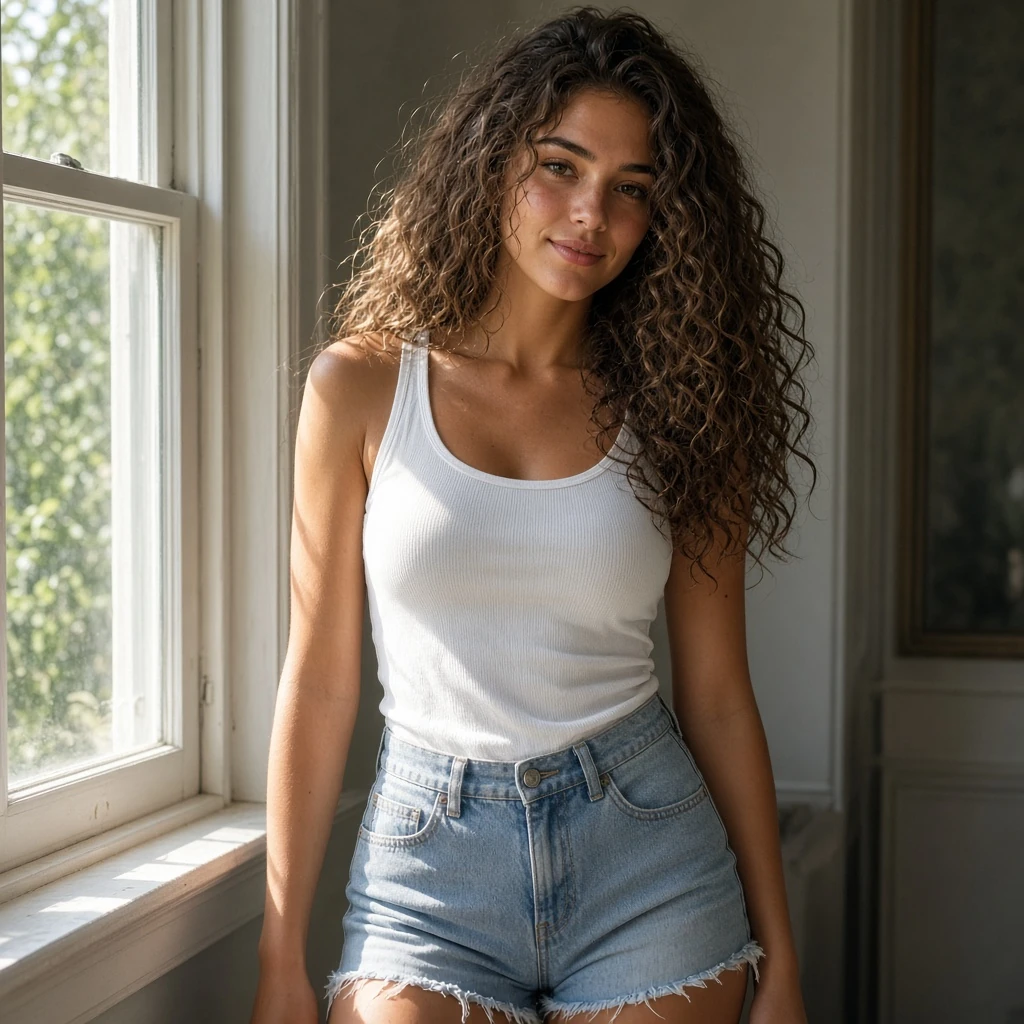
    • Front or 3/4 view, even light, subject filling the frame.
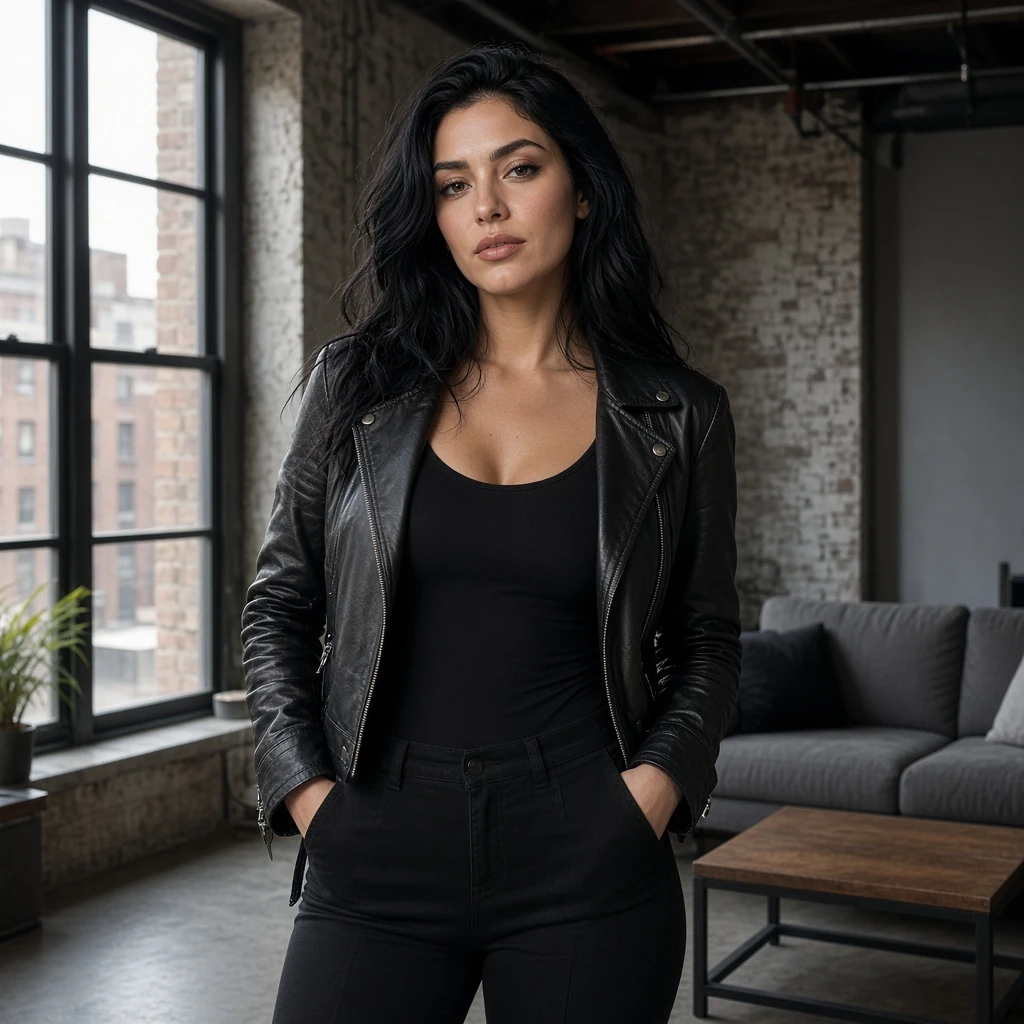
    • A small face on a full-body still will melt. Face the camera and crop closer to the head.

    Example photos

    Costs 128 credits per generation.

    Example
    Preview

    Orbit a sample mesh, or generate your own GLB.

    Download GLB

    Studio samples

    1. Home
    2. ›AI Tools
    3. ›ai 3d generator

    AI 3D Generator: One Photo to a GLB Model

    Upload one photo and get a rotatable GLB mesh you can inspect in the browser and download. This workbench is for paid members. Credit cost depends on quality—Fast 64, Standard 96, High 128—and is shown before you submit.
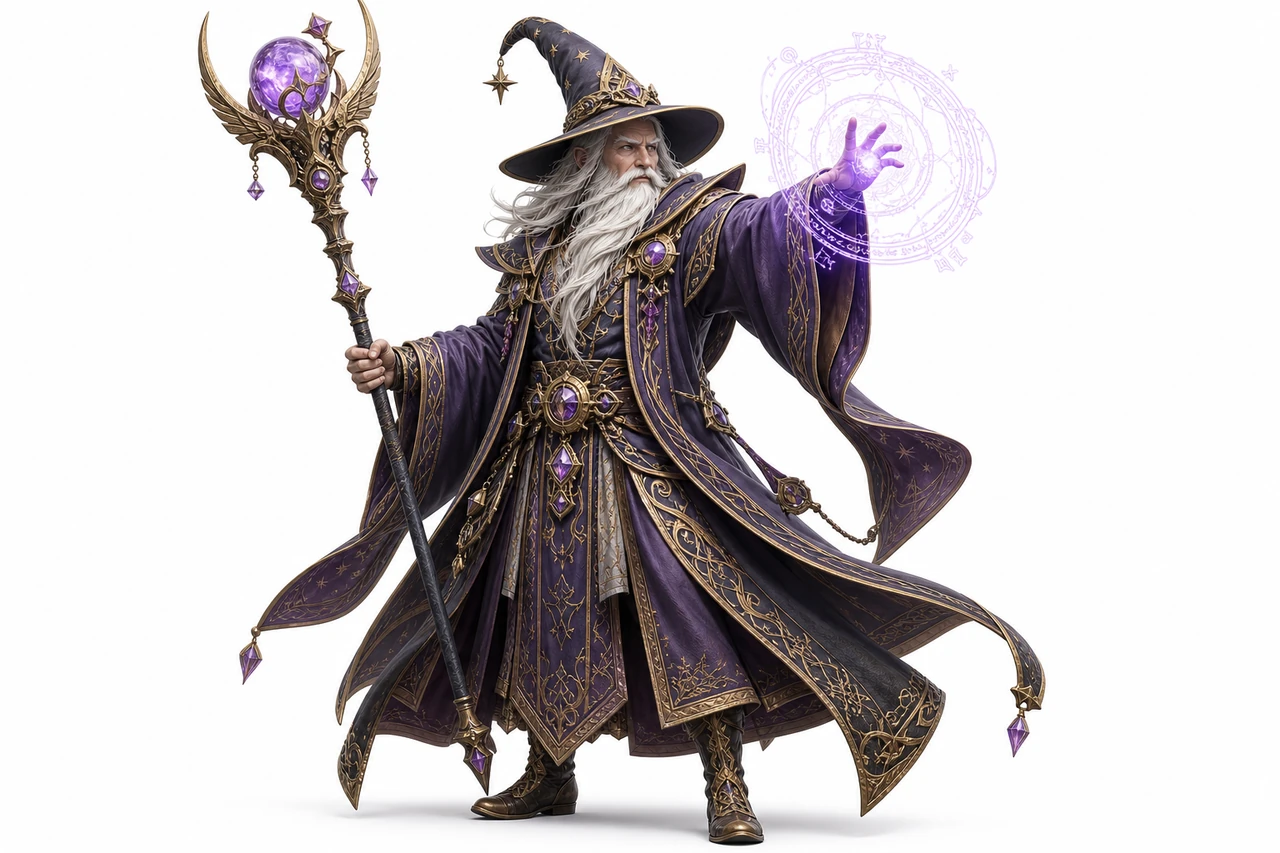
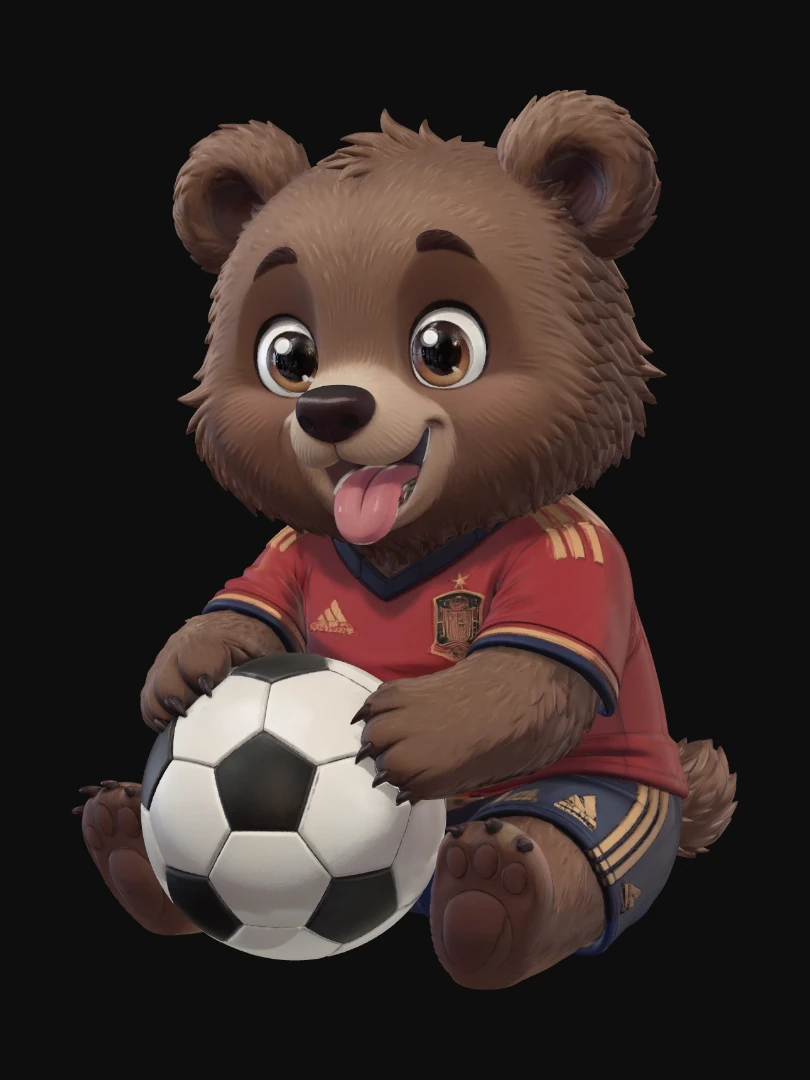
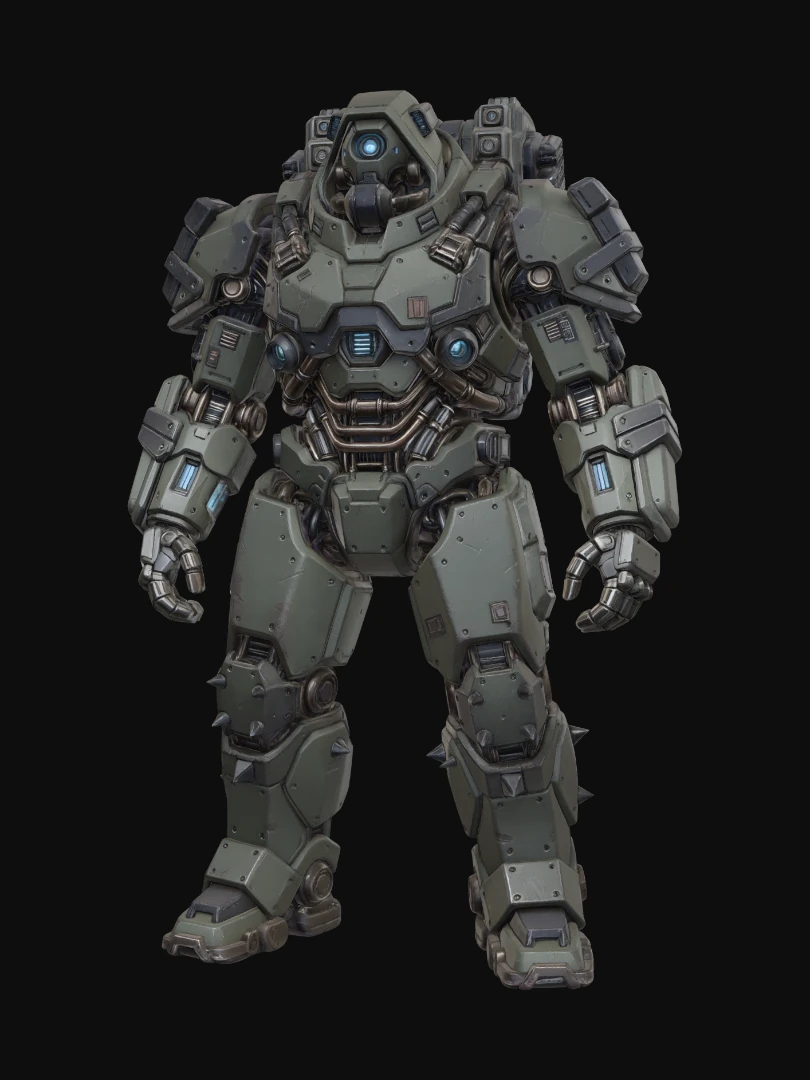
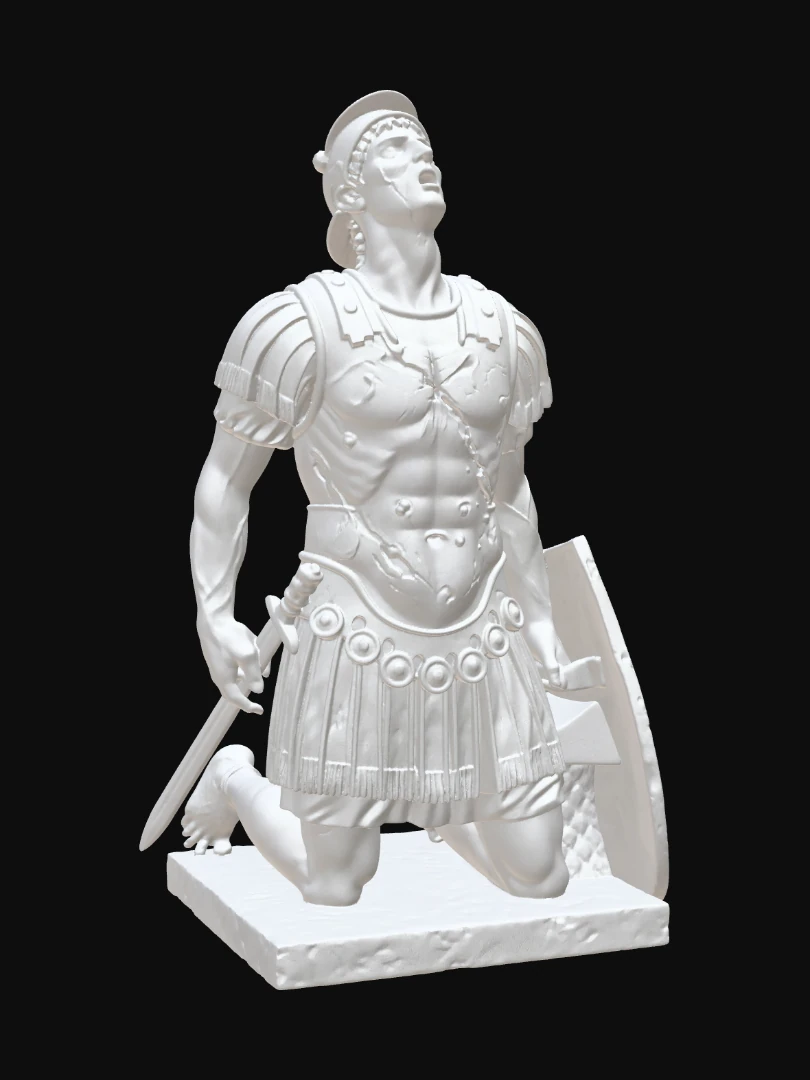
    Finished 3D-style character mesh generated from a single still
    Open the AI 3D Generator workbench and turn a photo into a GLB.

    How to use the AI 3D Generator

    1. Upload one clear photo

      01

      Upload one clear photo

      Use PNG, JPG, JPEG, or WEBP. Frame one object in the center with a clean background and even lighting.
    2. Generate the GLB

    More tools for this workflow

    All AI toolsUncensored AI Tools

    Choose a workflow, then explore related tools, scenes, and model information.

    AI image generators

      02

      Generate the GLB

      Submit the photo. The workbench produces one GLB file and shows the credit cost before you confirm.

    • Inspect and download

      03

      Inspect and download

      Orbit the mesh in the browser preview, then download the GLB for use in a web or game tool.

    • What photos work

      A simple product-style shot gives the most usable GLB.

      • One centered object

        One centered object

        Keep the subject isolated. Busy scenes with multiple objects create noisy geometry.

      • Clean background

        Clean background

        A plain or low-contrast background helps the generator separate the object from the scene.

      • Even light

        Even light

        Avoid harsh shadows or blown highlights. Balanced light keeps the mesh shape readable.

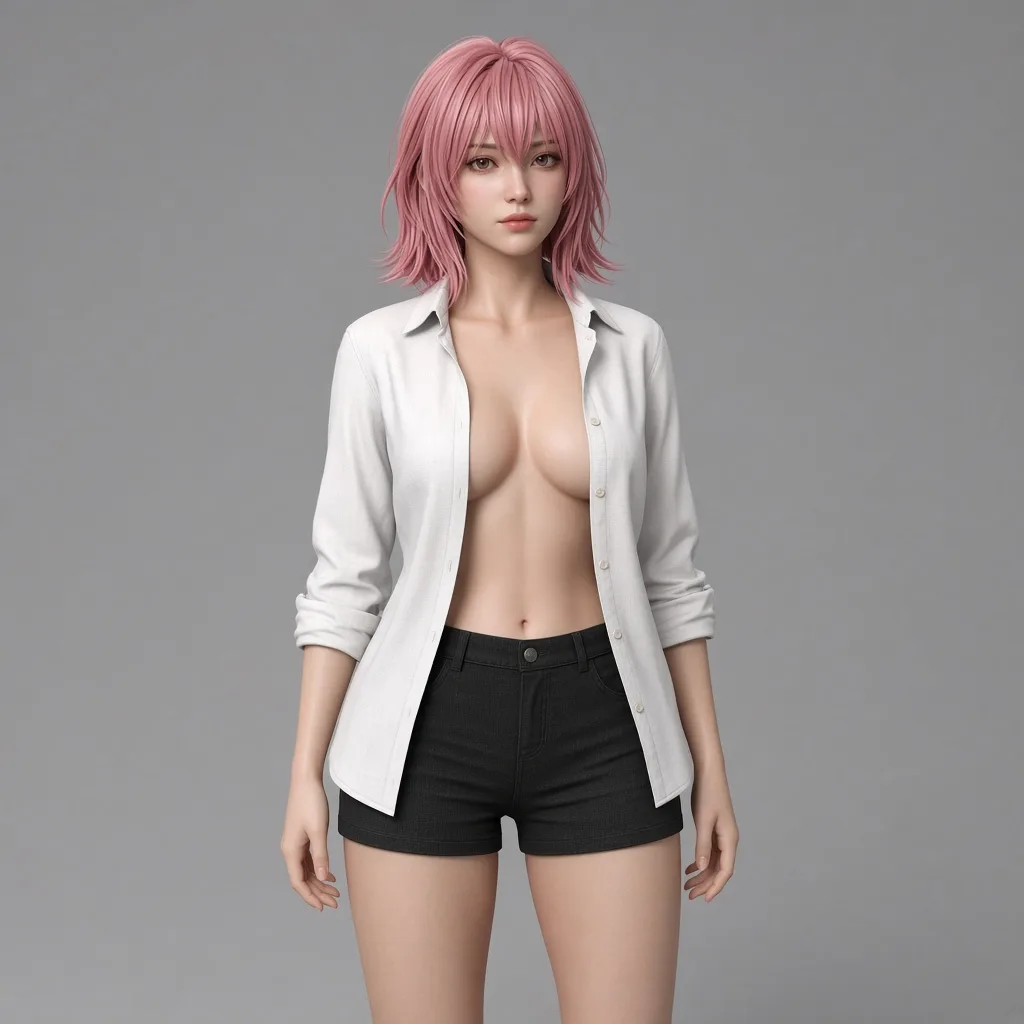
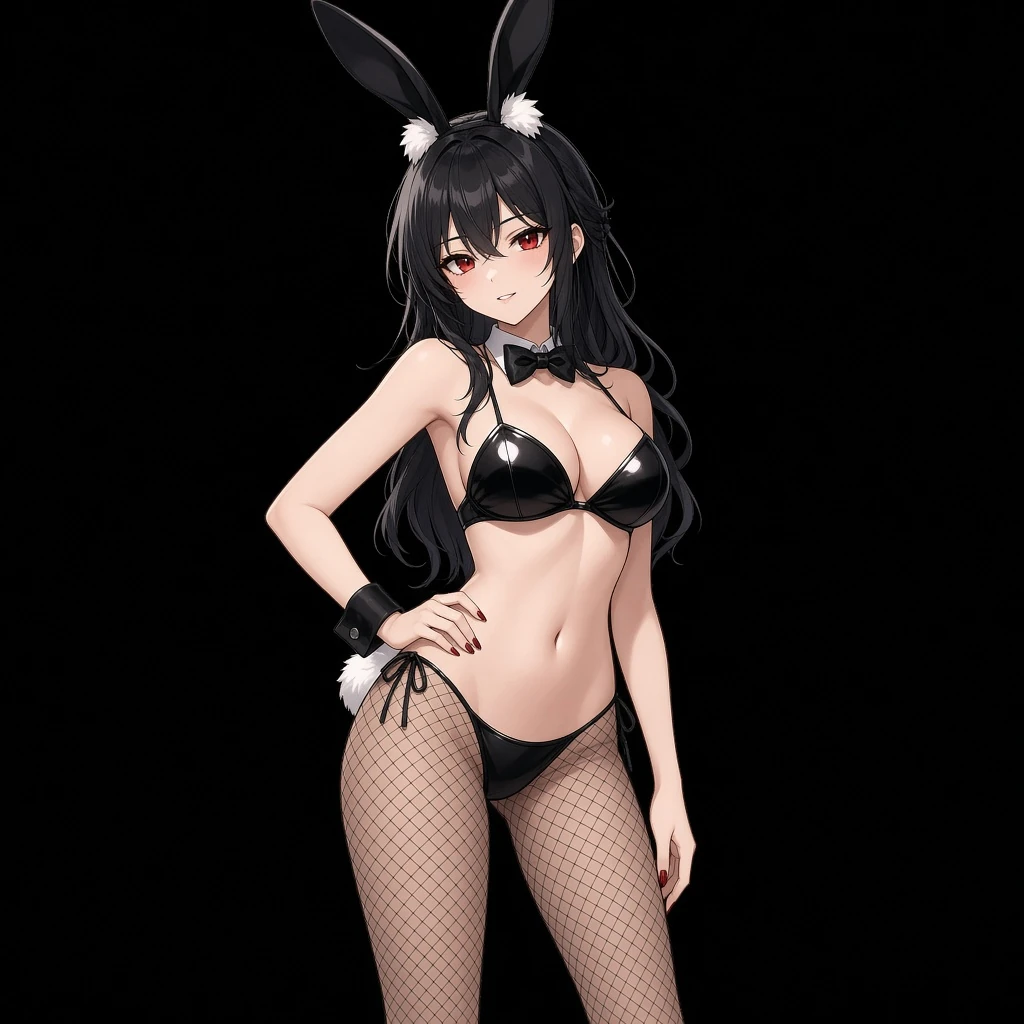
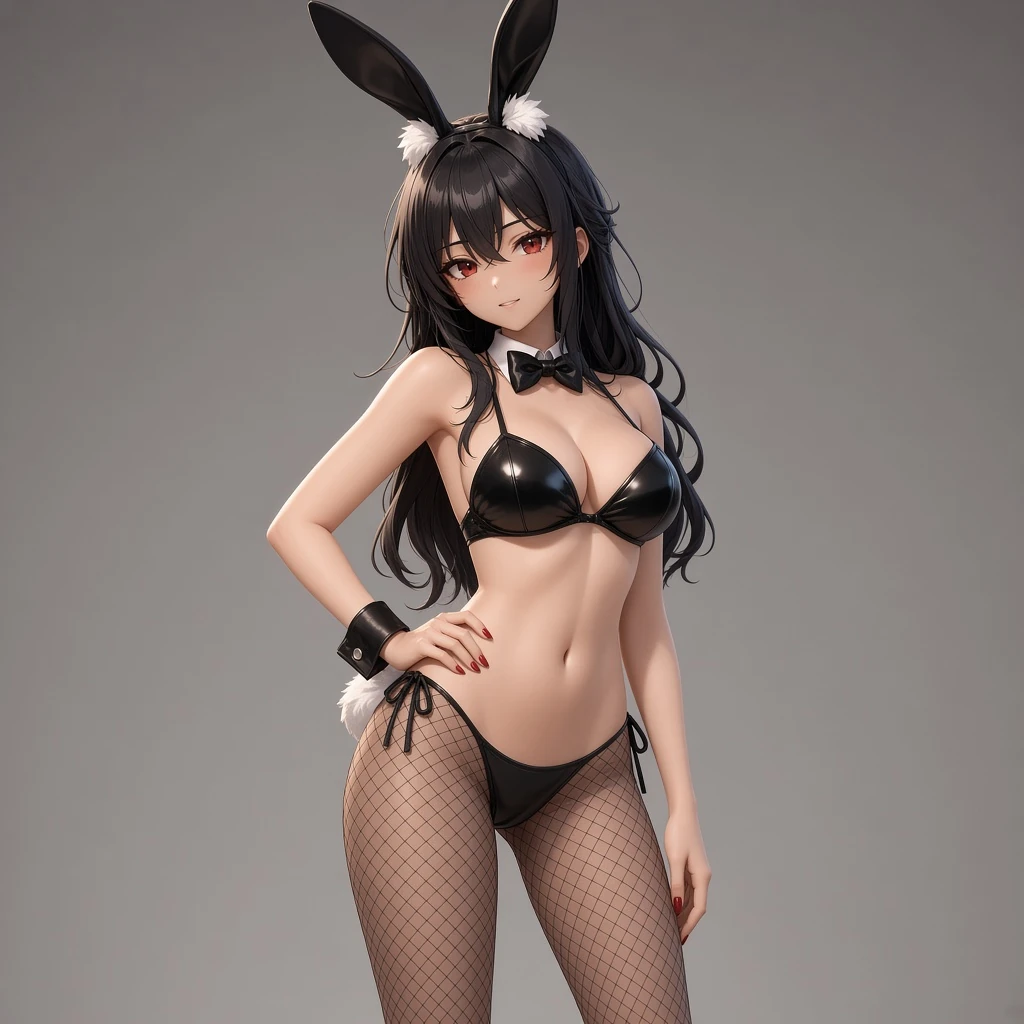
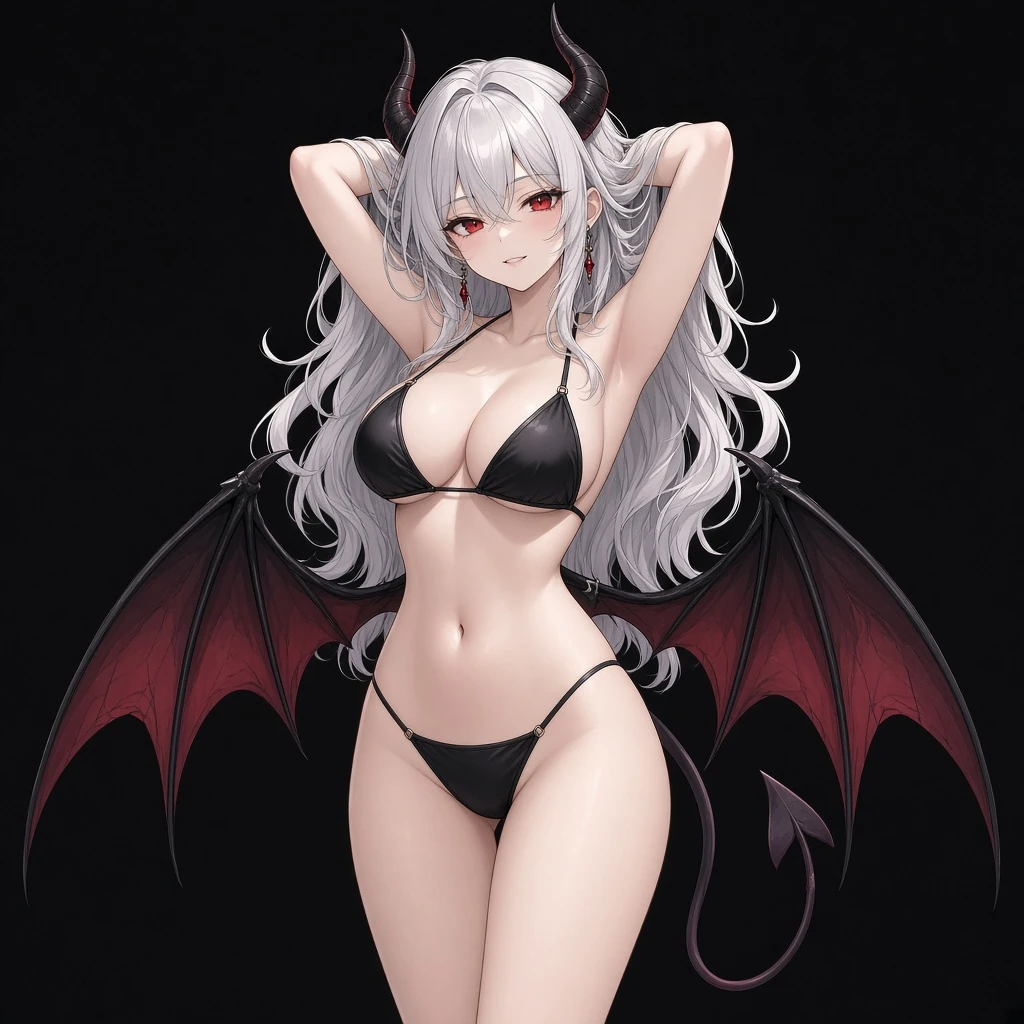
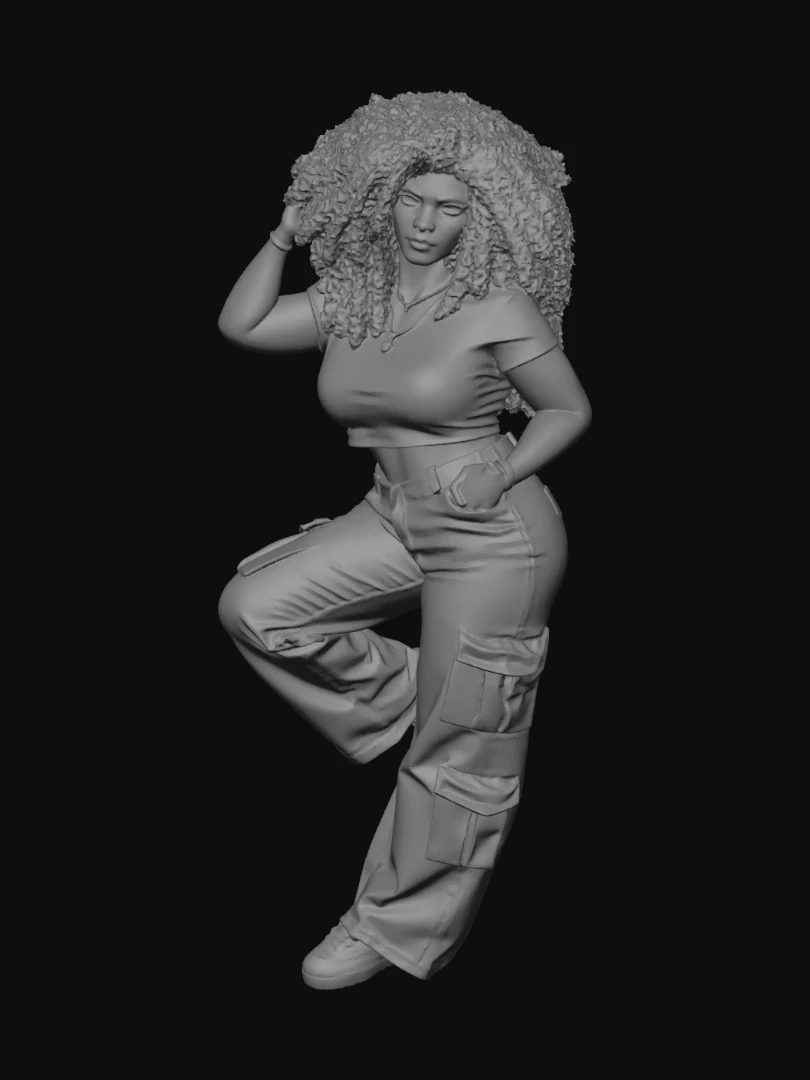
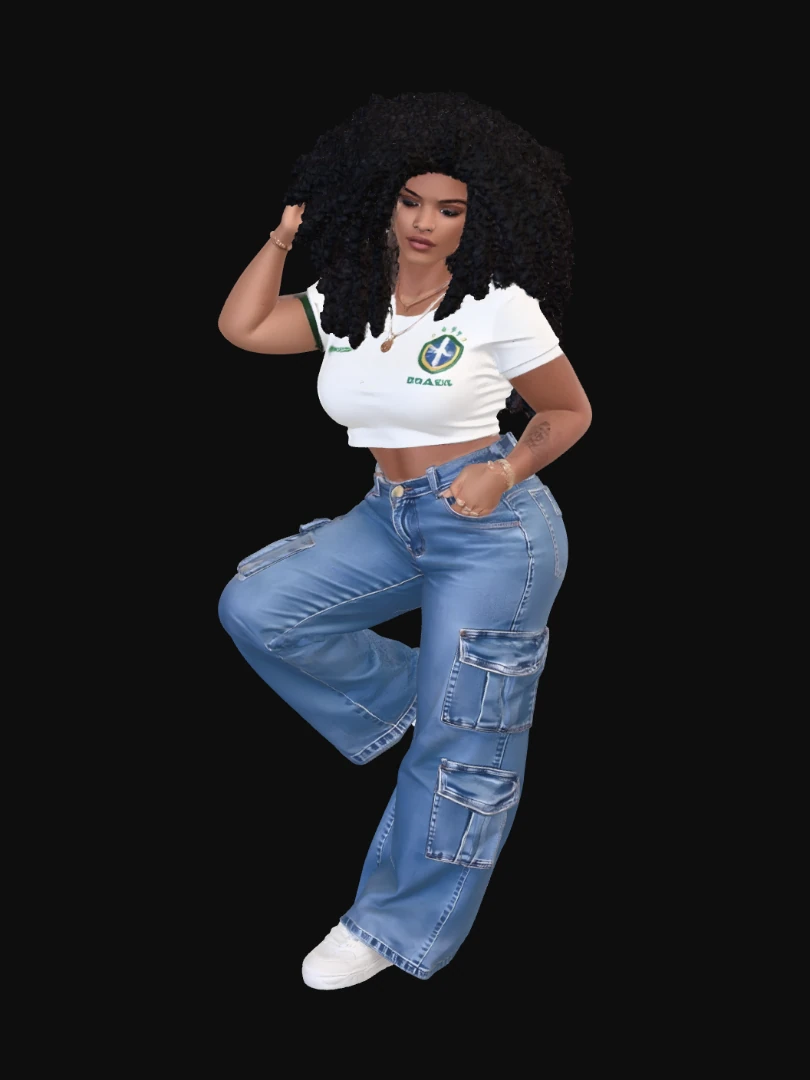
      2D still to a 3D character look

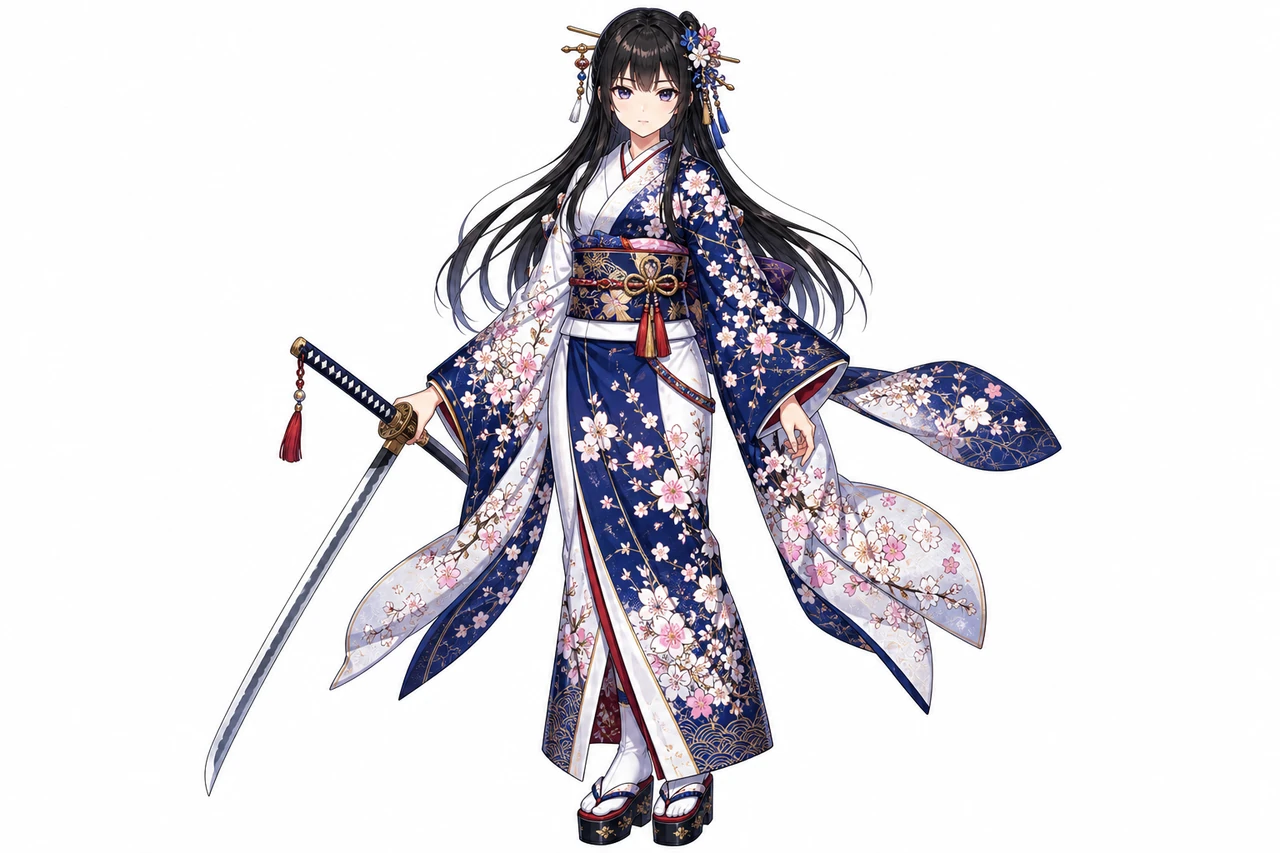
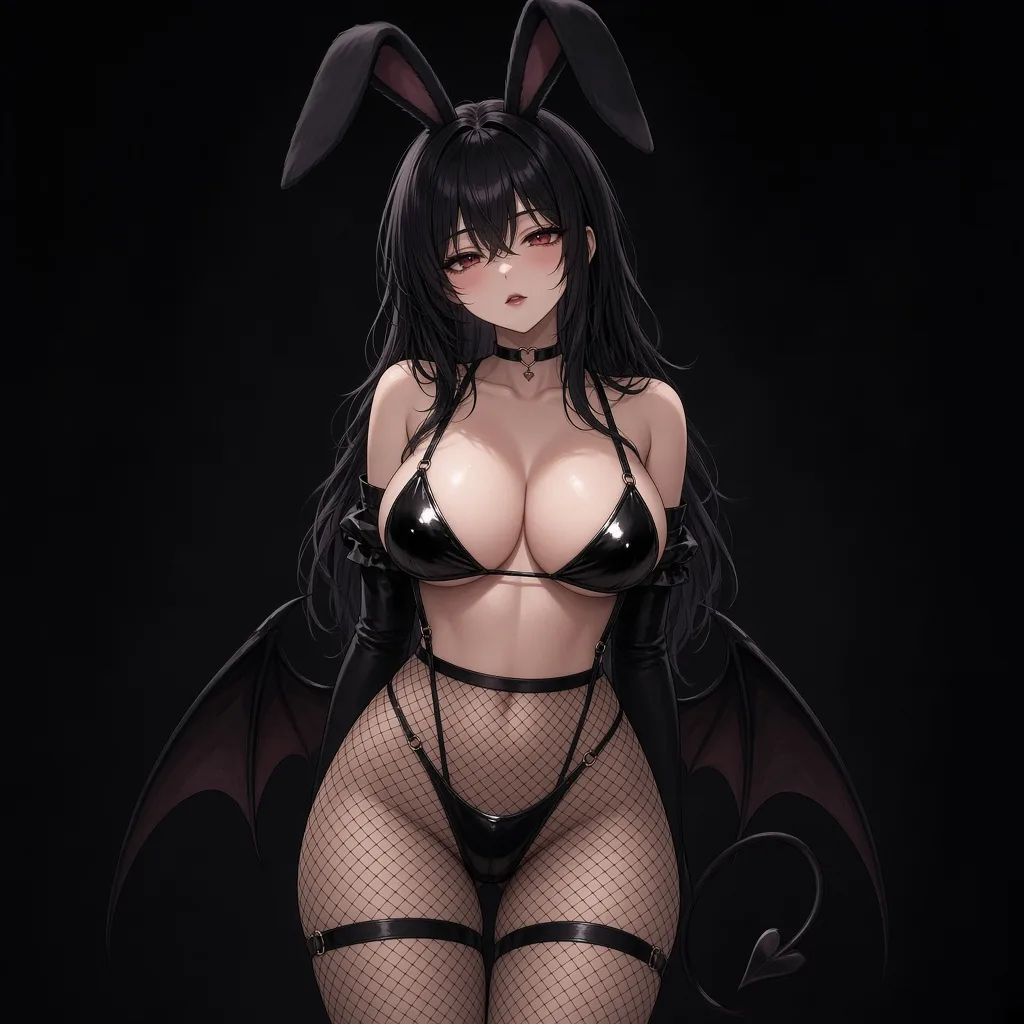
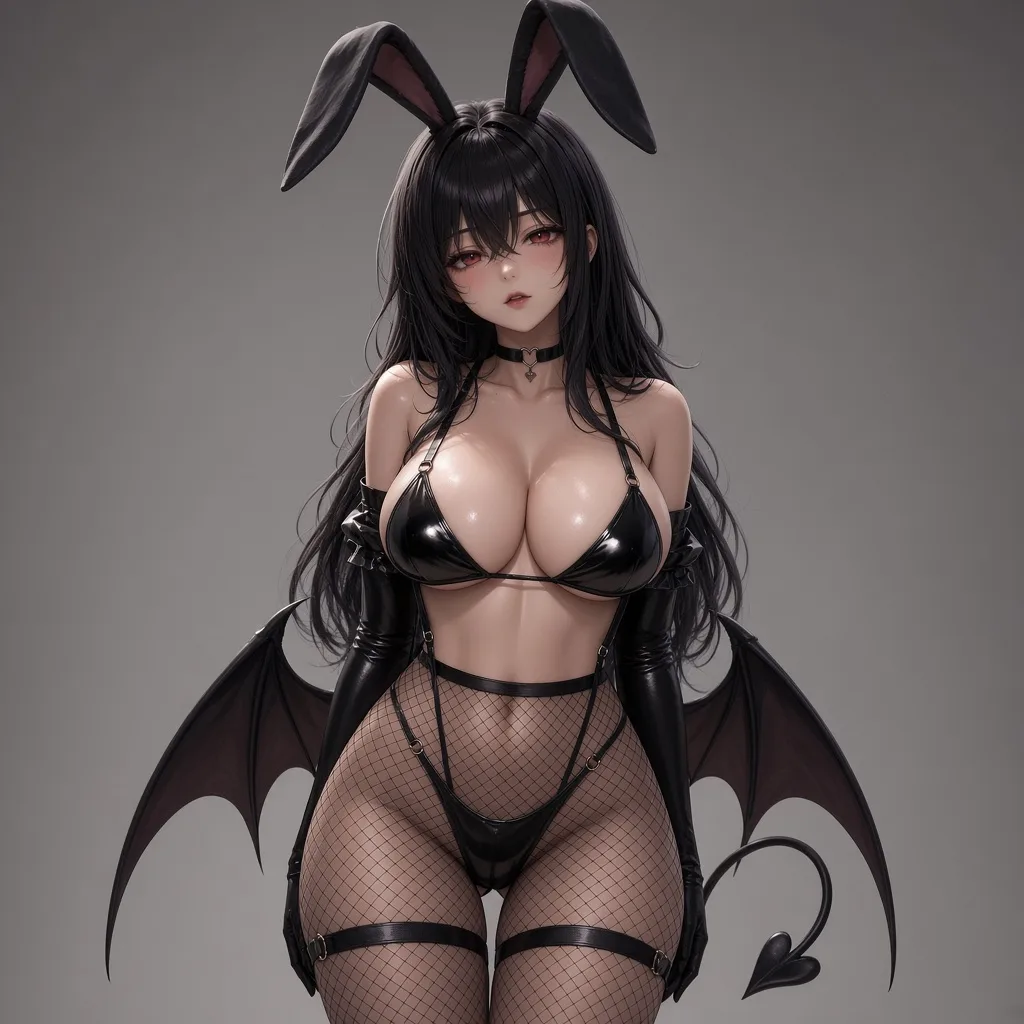
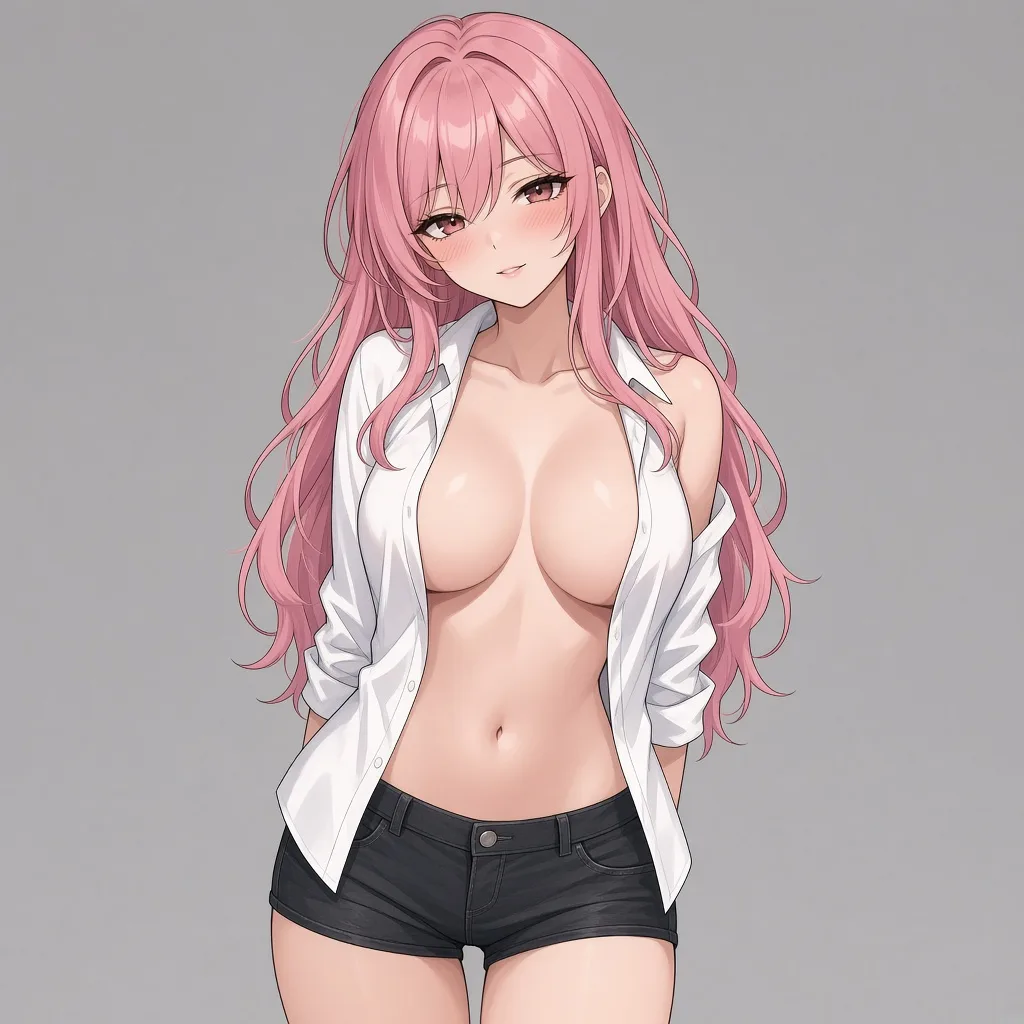
      Left is the input still. Right is a 3D-style character from the same pose, including adult photos and anime figures.

      2D anime woman in a floral kimono with a sword
      2D
      Same kimono character as a 3D-style figure
      3D look

      Kimono still to a 3D figure

      A single centered anime still on the left. The right frame is the same pose as a 3D-style character, not a second photo.

      2D anime succubus bunny girl
      2D
      Same bunny girl as a 3D-style character
      3D look

      Bunny girl still to a 3D look

      Adult anime input on the left. The right frame shows the same character as a 3D-style figure you can inspect after generation.

      2D anime woman in an open white shirt
      2D
      Same woman as a 3D-style character
      3D look

      Open-shirt still to a 3D look

      Keep one figure in frame. The right side is the 3D-style result from that still, ready to orbit as a GLB in the workbench.

      2D anime bunny girl in black lingerie
      2D
      Same bunny girl as a 3D-style character
      3D look

      Lace bunny still to a 3D look

      A centered adult anime still on the left. The right frame is the same bunny-girl pose as a 3D-style character, not a second photo.

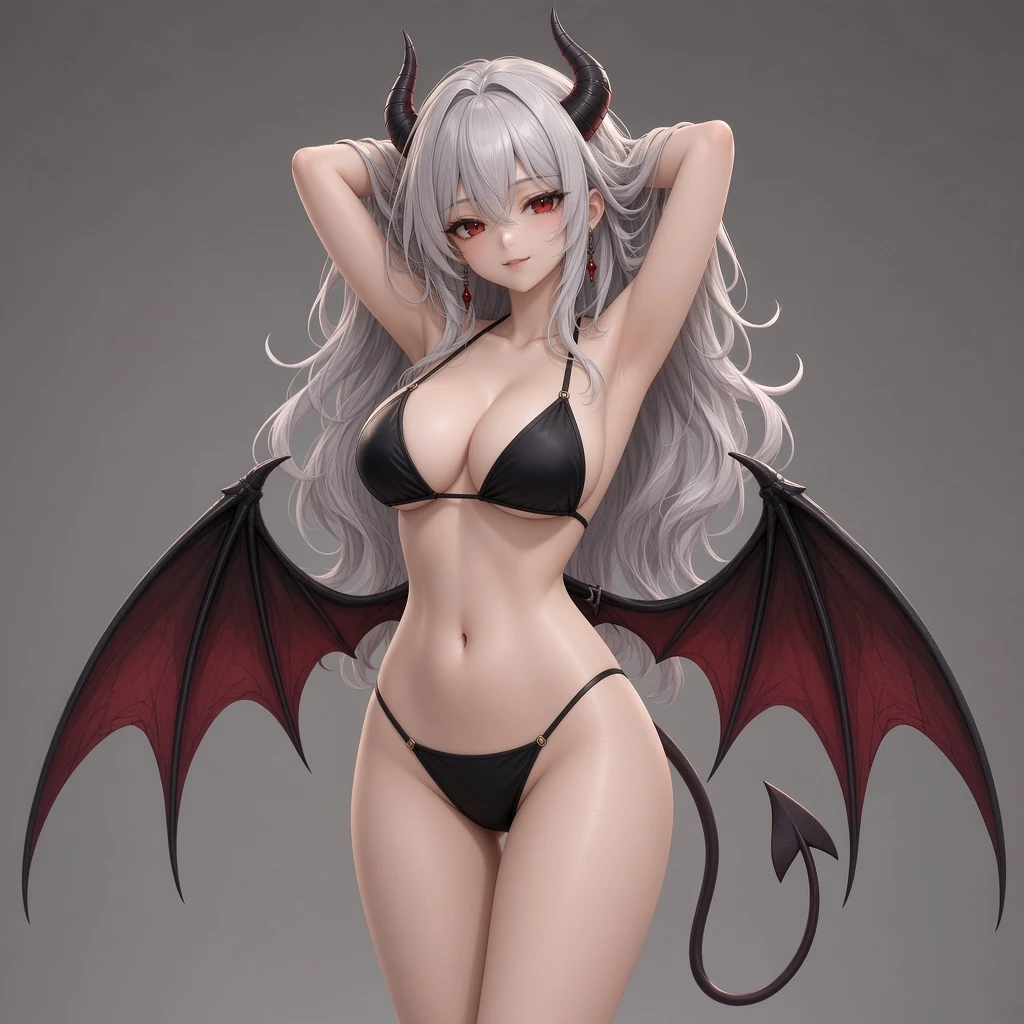
      2D anime succubus in a black bikini
      2D
      Same succubus as a 3D-style character
      3D look

      Succubus still to a 3D look

      One bikini figure in frame. The right side shows the same succubus as a 3D-style character you can inspect after generation.

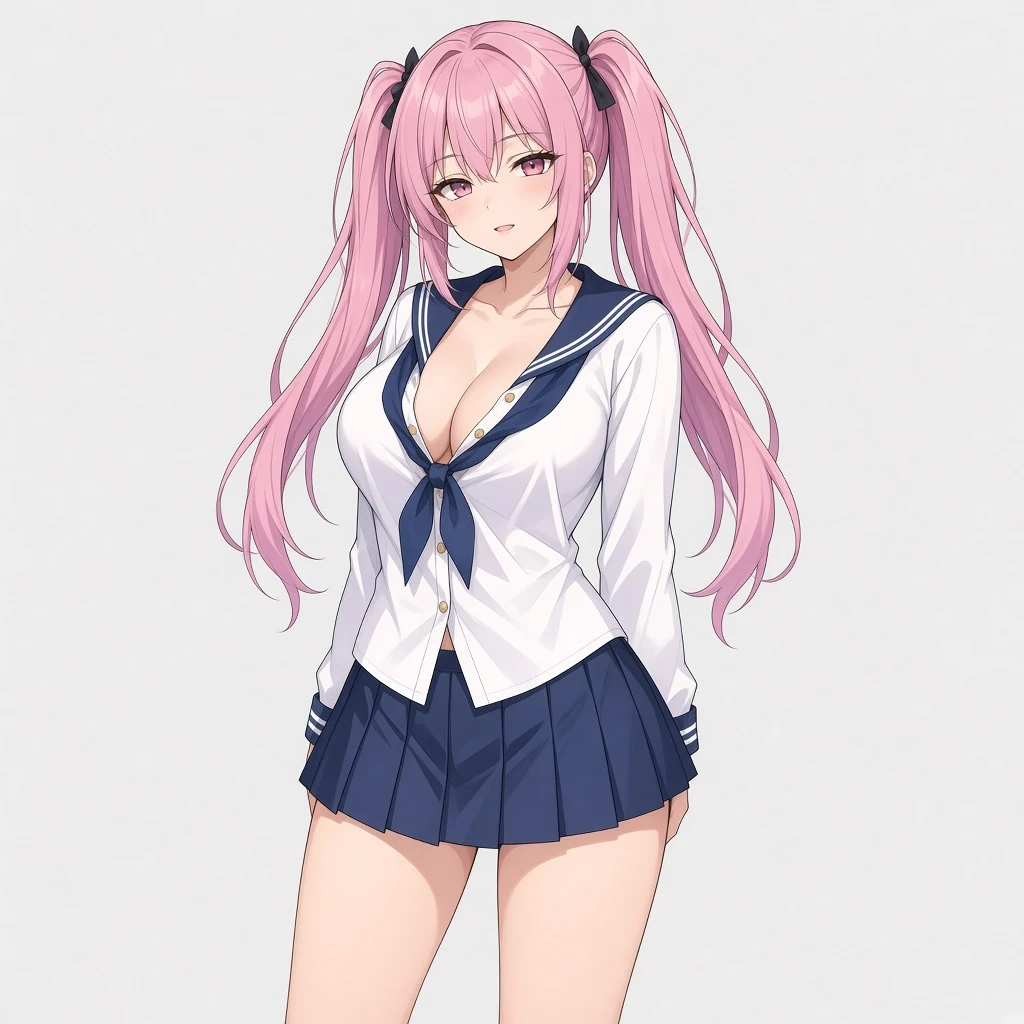
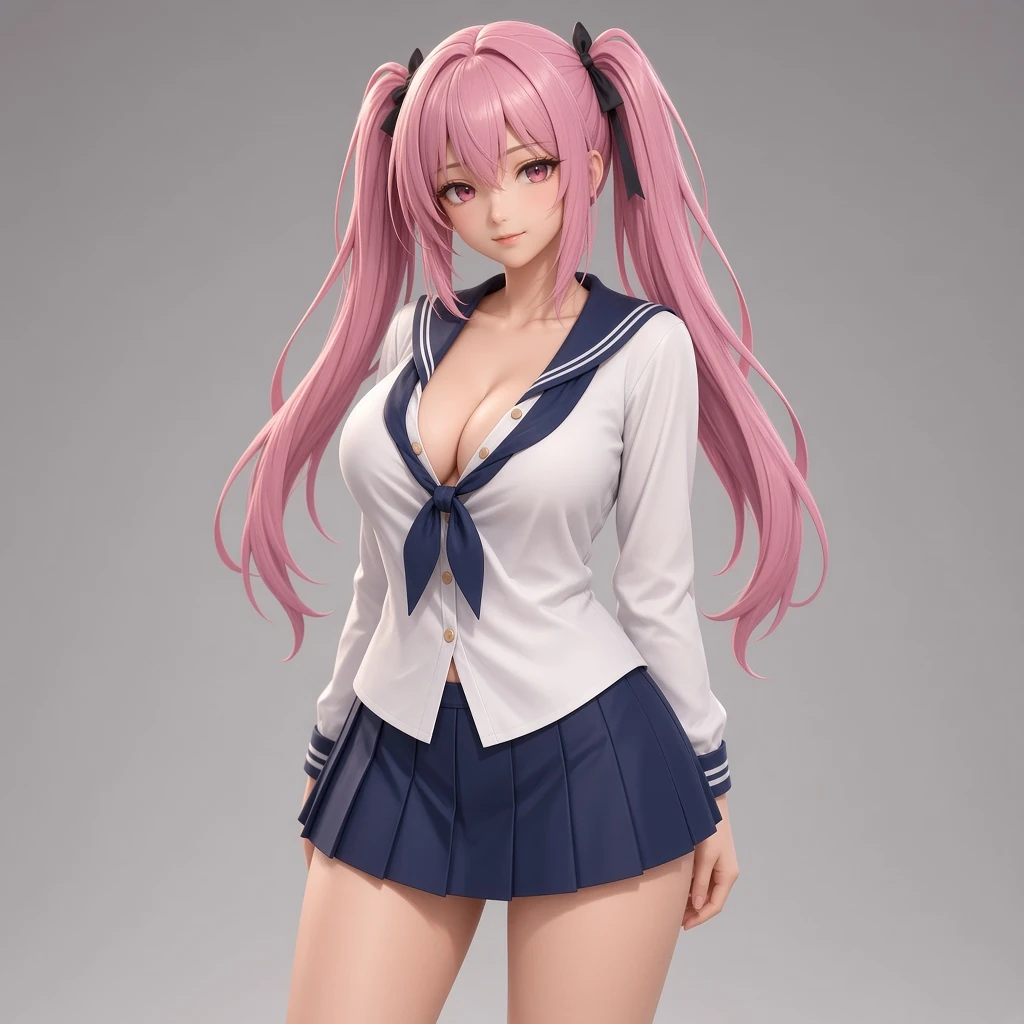
      2D anime woman in a sailor uniform
      2D
      Same sailor-uniform woman as a 3D-style character
      3D look

      Sailor-uniform still to a 3D look

      A single school-uniform still on the left. The right frame is that same character as a 3D-style figure, not a second drawing.

      Where a GLB helps

      This tool outputs GLB only. Expect a mesh for preview and downstream web or game use, not a production-ready asset.

      Orbit a generated 3D mesh in the browser
      • Quick mesh inspection

        Quick mesh inspection

        Generate a GLB and orbit it in the browser to check the overall shape before deciding if it is useful.

      • Web or game mockups

        Web or game mockups

        Drop the GLB into a web viewer or game engine as a rough placeholder or blockout asset.

      • Asset handoff

        Asset handoff

        Send a lightweight GLB to someone who needs a rotatable object reference without sharing the original photo.

      AI 3D Generator FAQ

      What file do I get?
      You get one GLB file. This tool does not output FBX, OBJ, STL, USDZ, BLEND, or 3MF.
      Can I upload multiple photos or generate in batch?
      No. This workbench uses one photo per generation and does not support multi-view input or batch processing.
      Can I edit the mesh or PBR maps here?
      No. There is no remesh tool, no PBR map editor, and no Blender plugin in this workbench.
      Is the generated GLB print-ready or game-ready?
      It is not print-ready and not a production game asset. Use it as a fast visual prototype, a reference blockout, or a preview mesh for concept review before committing to a full production pipeline.
      Who can use this AI 3D Generator?
      The tool is available to paid members. Free or trial accounts do not include access to this feature.
      How many credits does one generation cost?
      Default High costs 128 credits. Fast is 64 and Standard is 96. Credits are deducted only when a generation completes successfully.