Anyken
Pricing
Settings
Language
ThemeAtelier
NSFW Video GeneratorNSFW Image GeneratorPrivacy policyTerms of serviceRefund policy
Anyken
  • Home
  • For You
  • Studio
  • My AI
  • AI Video
  • AI Image
  • Anime / Manga
  • AI Tools
  • Generate
  • Agent
  • Home
  • For You

Create & chat

  • Studio
  • AI Video
  • AI Image
  • Anime / Manga
  • Generate
  • Agent

Public discovery

  • My AI
  • AI Tools
Upgrade for more
    1. Home
    2. ›AI Tools
    3. ›AI Models
    4. ›Text to Video

    Anyken AI

    Seedance 1.5 Pro: Make a Clip from a Written Scene

    Seedance 1.5 Pro on Anyken is Doubao Seedance in a model-locked text-to-video workbench. Write a scene, choose the listed settings, and review credits before generating. This audio-capable model supports short clips; listen to the result as part of your review.

    Anyken
    Veo 3
    Kling AI
    PixVerse
    Vidu AI
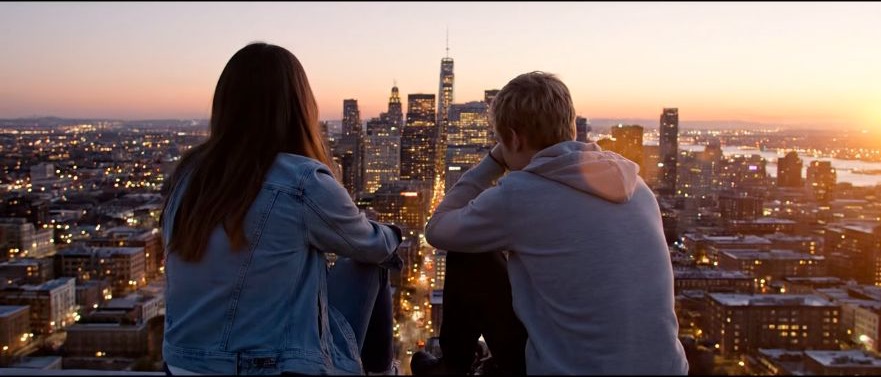
    Illustrative city motion

    Illustrative city motion

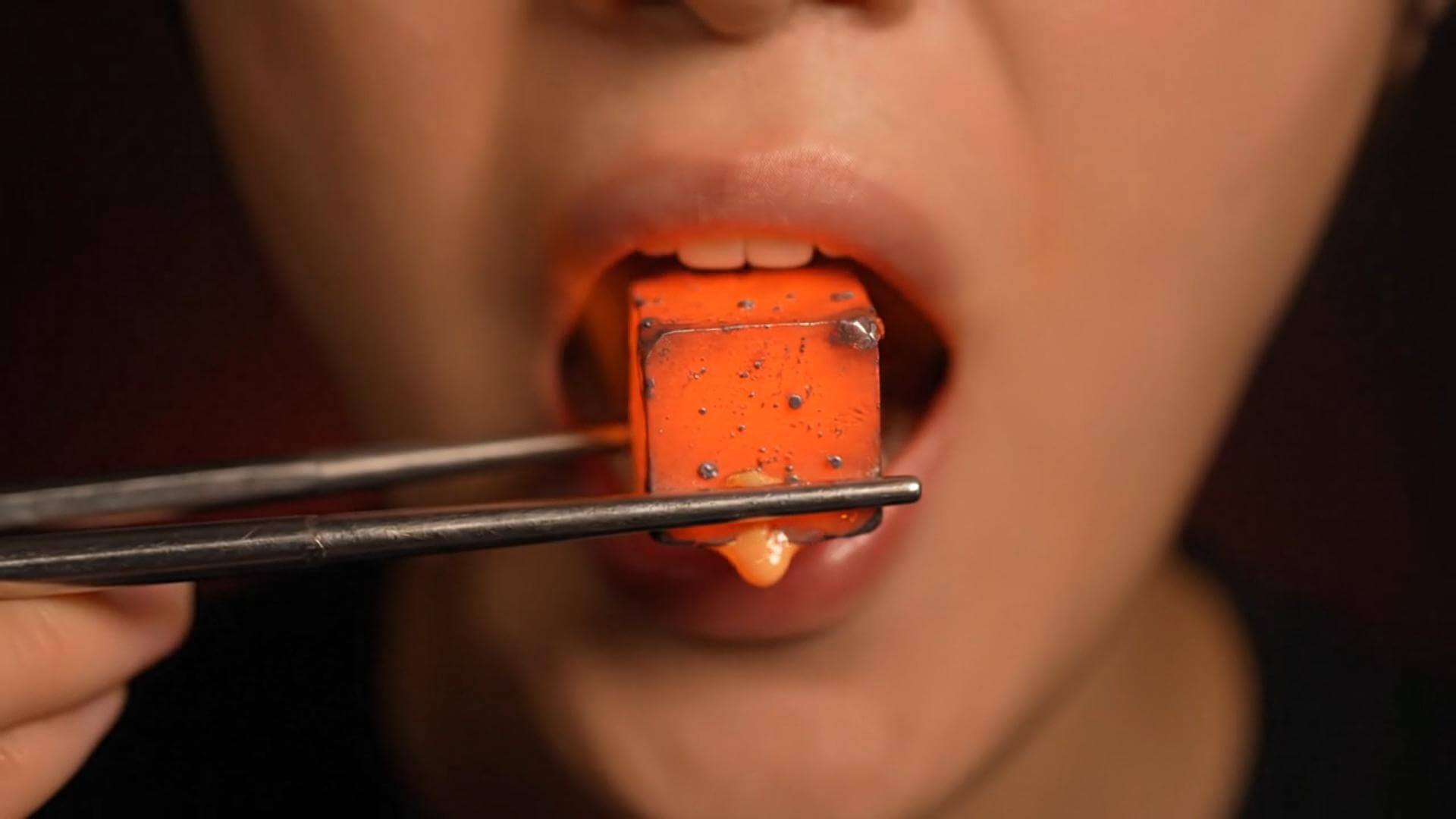
    Illustrative close-up texture

    Illustrative close-up texture

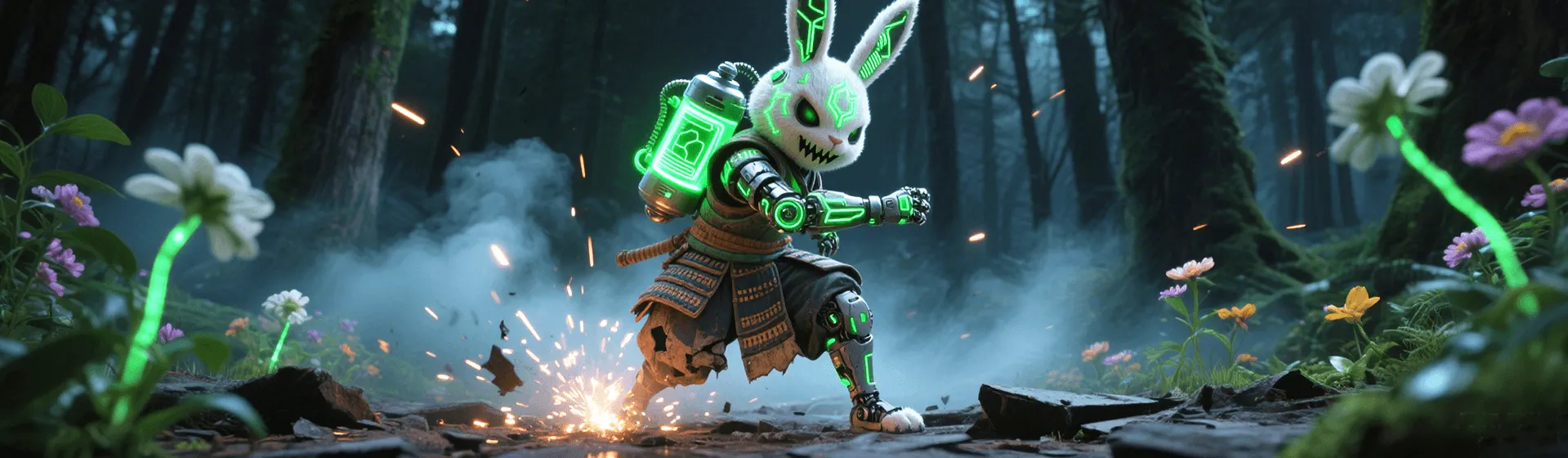
    Illustrative character scene

    Illustrative character scene

    One Seedance model, a text-led starting point

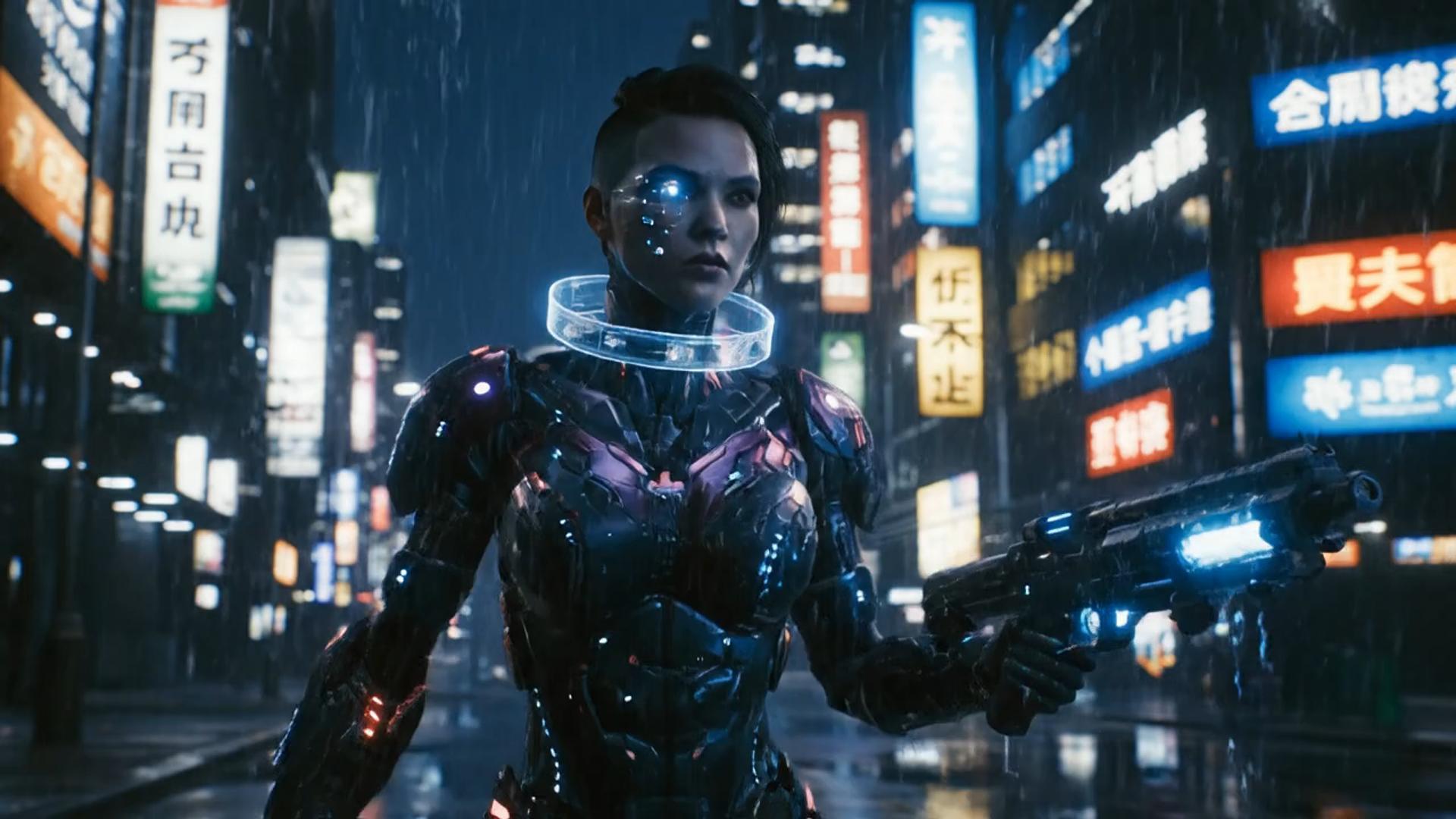
    This keyword page opens Seedance 1.5 Pro for a prompt-led shot. The separate Doubao Seedance model URL is retained. The media below illustrates the shared text-to-video workflow; it is not verified output from this model.

    Illustrative workflow clip; not verified Seedance 1.5 Pro output
    Template motion example
    ✦A cinematic city scene unfolds as the camera follows two friends at sunset...Warm evening light moves across the skyline in a gentle cinematic shot...↗

    Write the visible beat first

    Give Seedance a scene with a readable action

    Try a slow push toward a ceramic cup as steam rises in warm window light. Keep one camera move and one subject action. If you describe sound, check the finished audio as well as the picture instead of assuming the prompt was followed.

    Seedance 1.5 Pro settings for a short shot

    The documented model supports 4, 5, 8, 10, or 12 seconds and 480p, 720p, or 1080p. This route starts from text. For reference-led work, use a motion pass or compare the first-and-last-frame workflow and its available models.

    ✦A cinematic character walks through a neon city in the rain...The camera follows the character as the lights begin to glow...↗
    01

    Turn a written beat into Seedance motion

    Seedance 1.5 Pro starts here with a text prompt. Specify a subject, action, environment, and camera move. Keep the first take simple enough that you can identify which instruction needs revision.

    compare it on Nano Banana
    ✦A baby bird hides under its mother’s wing as rain falls softly...Warm light moves across the feathers in a gentle close-up shot...↗
    02

    Choose duration and resolution with the cost visible

    The model lists 4, 5, 8, 10, and 12 seconds and resolutions from 480p to 1080p. Read the current credit estimate after setting the output; do not assume two different settings have the same cost.

    restyle it in Flux
    ✦The viewer looks up, the character turns toward the camera...A hand-held camera gently pushes in as the scene changes...↗
    03

    Plan audio as part of the scene

    The documented model supports audio generation. Write sound cues that fit the visible action, then review the completed soundtrack. A supported audio capability is not evidence that a particular generated clip follows every cue.

    place it on a Qwen still
    ✦Create a polished video from your idea, right in the browser...Review the result, refine the prompt, and generate another version...↗
    04

    Keep the model lock through revisions

    Revise the text prompt and compare completed takes in History. This page keeps Doubao Seedance 1.5 Pro selected rather than switching the task to another video model.

    draft this on Seedream

    Plan a shot that benefits from picture and sound

    A product reveal, a character moment, or a simple scene can begin with a written prompt. Choose duration around one action. For a broader clip-planning guide, visit the short video maker.

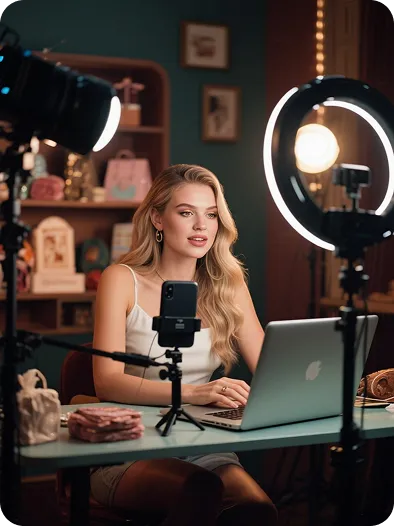
    Creators testing a scene with sound

    Creators testing a scene with sound

    Write a short visible action and a matching sound cue, then review both parts before building a longer idea around the take.

    Brands planning a product shot

    Brands planning a product shot

    A single reveal can test composition and atmosphere. Check product details and the generated audio before using it in a campaign.

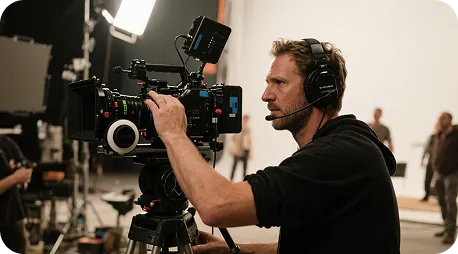
    Directors checking camera language

    Directors checking camera language

    Compare one camera move at a time while keeping the scene brief fixed. The illustrative clips on this page are not model-specific dailies.

    Marketers comparing short drafts

    Marketers comparing short drafts

    Use the same scene and settings for a useful comparison, then change one prompt instruction for the next take.

    Instructors reviewing an explanation

    Instructors reviewing an explanation

    Keep the depicted process simple and inspect it for errors. Review generated sound before using a clip as supporting material.

    Seedance prompt planning notes

    Compare a revised scene against the same brief

    These cards are sample workflow notes, not named-user reviews or model output evidence. Keep the subject constant and change one motion instruction. For another model-specific text workflow, compare Hailuo 02.

    Product reveal brief

    Example workflow note

    “Describe the object, its movement, and the sound of the scene separately enough to review each part of the result.”

    Character moment brief

    Example workflow note

    “Keep the character description stable while testing one action, then inspect continuity and the finished audio.”

    Camera movement brief

    Example workflow note

    “Use one camera instruction for the first take. Compare framing before changing the lighting or the subject.”

    Duration choice brief

    Example workflow note

    “Choose a listed duration that gives the visible action room to finish, and review the new credit estimate before generating.”

    Product story brief

    Example workflow note

    “Test a single reveal shot before planning a longer sequence of generated clips.”

    Audio review brief

    Example workflow note

    “Listen for unwanted sound and compare the audio with the intended scene before sharing the completed take.”

    Seedance 1.5 Pro questions

    Understand the model lock, supported settings, audio review, and credit costs before starting a take.

    What is Seedance 1.5 Pro on Anyken?+−

    It is Doubao Seedance 1.5 Pro, an audio-capable ByteDance video model. This keyword workbench starts from a text prompt and locks the model selection. The model documentation also lists image-to-video, first-and-last-frame, and draft-mode capabilities; their controls belong to the appropriate workflows.

    Which durations and output settings are documented?+−

    The documented durations are 4, 5, 8, 10, and 12 seconds, with 480p, 720p, and 1080p output. Aspect ratios include 16:9, 9:16, 1:1, 4:3, 3:4, and 21:9. Use the choices currently available in the workbench and recheck credits after changing them.

    Does Seedance 1.5 Pro support audio?+−

    Yes. The model is documented as audio-capable and audio-native. Describe the sound you want alongside the visible scene, then listen to the completed result. Audio support does not guarantee that every spoken word or sound instruction will match.

    Can I switch this keyword page to Wan?+−

    This workbench keeps Seedance 1.5 Pro selected. Open the separate Wan workflow if that is the route you want, and check its model and input there. Returning here restores this page’s Seedance lock.

    How are Seedance 1.5 Pro clips charged?+−

    Generation uses the credits displayed before submission. A change in duration or resolution can change that estimate, and another take is another run. Available credits follow your account plan; membership starts at $19.

    Can I use a Seedance clip in a commercial project?+−

    Check the model terms, your Anyken plan, and the rights to any input material before using a result. Review both the generated image and sound. This workbench does not grant a separate commercial license.

    Seedance 1.5 Pro workflow walkthrough

    Three steps to a Seedance text-to-video draft

    How to prompt a Seedance 1.5 Pro clip

    Seedance 1.5 Pro and other Anyken workflows

    This page stays on Seedance 1.5 Pro. The Seedance 2.0 page is a separate workflow; check that page for its input and controls. A model name on another route does not change the lock here.

    Seedance 1.5 Pro and other Anyken workflows
    Workflow comparisonThis Seedance 1.5 Pro routeA separate workflow or editor
    Starting inputA written scene on a model-locked text workflowInput depends on the workflow you open
    Visual directionDescribe subjects, action, setting, and camera in the promptUse the controls and media of that workflow
    AudioAudio-capable generation; listen to the resultAudio support depends on the selected tool
    Reference optionsThis route starts from text; reference modes have separate workflowsImage or clip inputs depend on the workflow
    Model selectionDoubao Seedance 1.5 Pro remains selectedThe model may be selectable on another route
    RevisionsChange the prompt or listed settings and generate another takeRevise source media or use that workflow’s controls
    Wait timeDepends on settings and the provider queueDepends on the tool, export, or provider queue
    Output settingsListed 4–12 second durations and 480p, 720p, or 1080pCheck the selected workflow’s listed output
    Best fitA text-led short scene with this specific Seedance modelThe different input or task the workflow supports
    ReviewInspect picture and audio in account HistoryReview the result in the tool you used
    CostCredits shown before each submission; membership from $19Costs follow the tool and account plan

    Keep the next step matched to your input

    Return to text for a new scene, use a reference workflow for a starting still, and check membership from $19 for plan details. The credit estimate before each submission is the cost to review for that take.

    animate the approved frame
    animate the approved frame→
    Short video maker
    Short video maker→
    Hailuo 02 text to video
    Hailuo 02 text to video→
    Anyken Seedance 1.5 Pro
    Anyken AI

    Start with a scene worth watching and listening to

    Keep Seedance 1.5 Pro selected, choose a listed duration and resolution, and read the credit estimate. When the task finishes, inspect picture and audio in History before deciding on another take.

    View membership pricing

    Explore More AI Image Tools

    • Dots video effects
    • GPT Image 2 Generator
    • GPT Image 2.5 Version Guide
    • Image 2.5 Generator
    • image2.5 Name Guide
    • Seedance 3.0 status tracker

    Supported workflows

    • Text to Video
    • Text to Video

    Related models

    • Seedance 2.0
    • Seedance 2.5
    • Wan 3.0
    • Hailuo 02
    • Photo to Video
    Open generatorBack to AI Tools

    Model & settings

    This mode uses Seedance 1.5 Pro.

    Aspect Ratio

    Duration

    4s

    Resolution

    Repeat

    1
    2STARTER5LITE8PRO10MAXCurrent

    Video mode

    Video mode

    Upload reference

    0/1
    Hints

    Prompt

    Prompt
    0/5000
    Credit cost

    1 videos · 23 credits

    Samples are examples. Results follow the prompt and model and will not match the preview. For a closer match, use Image to Image for a still or Video to Video for a clip.

    1 / 2