Anyken
Pricing
Settings
Language
ThemeAtelier
NSFW Video GeneratorNSFW Image GeneratorPrivacy policyTerms of serviceRefund policy
Anyken
  • Home
  • For You
  • Studio
  • My AI
  • AI Video
  • AI Image
  • Anime / Manga
  • AI Tools
  • Generate
  • Agent
  • Home
  • For You

Create & chat

  • Studio
  • AI Video
  • AI Image
  • Anime / Manga
  • Generate
  • Agent

Public discovery

  • My AI
  • AI Tools
Upgrade for more
    1. Home
    2. ›AI Tools
    3. ›AI Video Tools
    4. ›Photo to Video

    Anyken AI

    Burning Bridges Dinner AI: Photo to Video Remake

    Burning Bridges dinner AI on Anyken remakes a candlelit dinner scene from a still you upload—not a lyrics dump or encyclopedia page. Lock the AI photo to video generator image-to-video workbench, upload an authorized dinner-table photo, write one motion note (candle flicker, pour, glance), check credits before Create, then review in History. Neighboring still paths: a motion pass, photo to video. Motion-trend sibling: Korean baseball AI trend. Plans start at $19/month.

    Anyken
    Veo 3
    Kling AI
    PixVerse
    Vidu AI
    Illustrative motion, not a dinner remake

    Illustrative motion, not a dinner remake

    Illustrative close-up texture

    Illustrative close-up texture

    Illustrative character moment

    Illustrative character moment

    From a dinner still to a short remake

    A still of the dinner table or seated characters is required. Do not paste song lyrics as the only input. Describe one camera or gesture beat, then generate on image-to-video. Template clips below are illustrative, not verified Burning Bridges outputs.

    Illustrative clip, not a verified dinner remake
    Template example clip
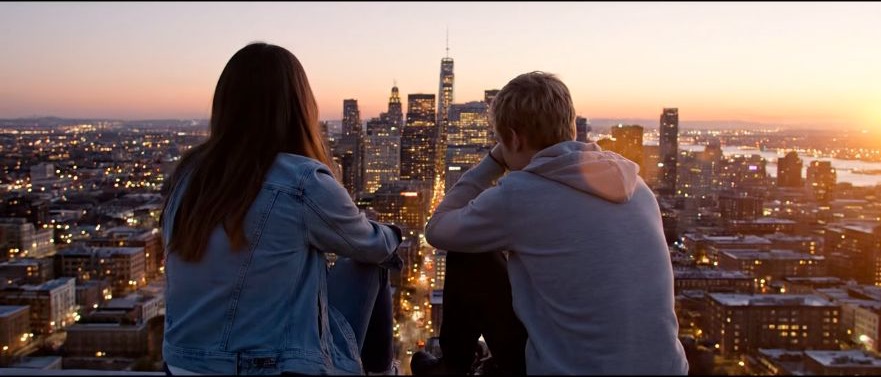
    ✦A cinematic city scene unfolds as the camera follows two friends at sunset...Warm evening light moves across the skyline in a gentle cinematic shot...↗

    Start from one authorized dinner still

    Generate a dinner remake draft, then tighten one note

    Keep the same dinner still, change one motion or lighting note, generate again, and compare takes in History. Recheck the credit cost after duration or resolution changes.

    What you can change on this Burning Bridges dinner AI path

    Keep the uploaded dinner still, the locked image-to-video tab, and one clear motion note in the same loop. Related: AI photo to video generator a clip from the still photo to video Korean baseball AI trend pricing

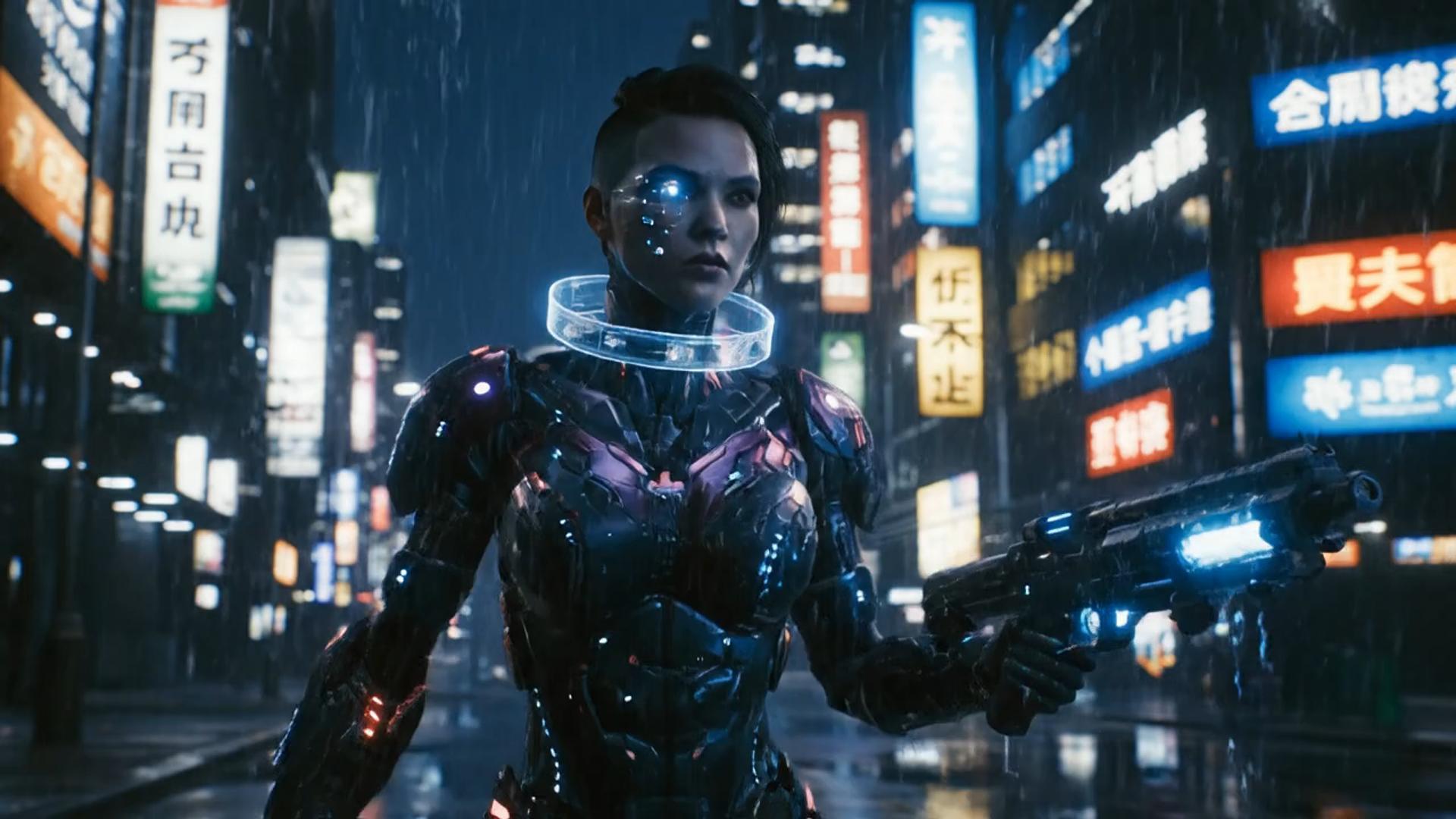
    ✦A cinematic character walks through a neon city in the rain...The camera follows the character as the lights begin to glow...↗
    01

    The dinner still carries the scene

    Upload a dinner still you control. Ask for one readable motion beat. Do not paste song lyrics as a substitute for the photo.

    try the look in GPT Image
    ✦A baby bird hides under its mother’s wing as rain falls softly...Warm light moves across the feathers in a gentle close-up shot...↗
    02

    Keep faces and table readable through the remake

    Review faces, plates, and candlelight across the take. Use History to compare versions. Recheck credits before Create.

    compare it on Nano Banana
    ✦The viewer looks up, the character turns toward the camera...A hand-held camera gently pushes in as the scene changes...↗
    03

    Describe motion on the locked image-to-video path

    Name the gesture, the camera, and what must stay readable on the dinner table. Available settings follow the locked image-to-video workbench.

    restyle it in Flux
    ✦Create a polished video from your idea, right in the browser...Review the result, refine the prompt, and generate another version...↗
    04

    Stay in the browser workbench

    No extra editor install is required. Open this page, upload the dinner still, and manage finished clips in History.

    place it on a Qwen still

    Who this Burning Bridges dinner AI path is for

    Use this path when you want a dinner-scene photo→video remake, not a song-lyrics shell and not a blank text-to-video desk. Availability follows the locked image-to-video workbench and your account credits.

    Creators remaking a dinner trend still

    Creators remaking a dinner trend still

    When the dinner scene already exists as a still, that frame is enough to test a short remake.

    Teams starting from a dinner still

    Teams starting from a dinner still

    A short still can take a small camera or gesture move for social tests.

    Directors checking a still-led dinner take

    Directors checking a still-led dinner take

    Use a dinner still to preview a camera idea before a longer shoot. Template clips are illustrative.

    Reviewers comparing remake versions

    Reviewers comparing remake versions

    Generate a few motion versions from the same dinner still, then pick a rhythm.

    Creators studying a still-to-motion remake

    Creators studying a still-to-motion remake

    Use a clear still and inspect the completed clip through the whole beat.

    Burning Bridges dinner workbench notes

    A real loop from dinner still to first remake

    Upload the still first, generate on image-to-video, then correct the next motion note from the draft. The cards below show habits, not reviews of named users.

    Frame the dinner table

    Still preparation

    “Choose a clear dinner still with faces and table readable before you ask for motion.”

    One motion beat only

    Motion note

    “Name one pour, glance, or candle flicker instead of rewriting the whole scene.”

    Keep the still fixed

    Input comparison

    “Change one camera note between takes so the dinner remake can be compared.”

    Review the full clip

    Remake review

    “Watch the whole take for identity drift before downloading.”

    Read the next credit cost

    Credit review

    “A new dinner remake uses credits even when you keep the same still.”

    Prepare a short finished edit

    Export review

    “Download the reviewed take from History and add any permitted titles or music in an editor.”

    Frequently asked questions

    Common questions about this Burning Bridges dinner AI remake path.

    What is Burning Bridges dinner AI?+−

    On Anyken, Burning Bridges dinner AI is a photo-to-video remake path for a dinner-table scene trend. Upload a still and describe one gesture or camera move. It is not a lyrics encyclopedia and not a text-only prompt box. Credits show before Create.

    How long does a dinner remake take?+−

    Wait time follows clip length, resolution, model, and the current queue. Watch History after you submit.

    Why does the remake differ from the still and note?+−

    Keep character identity in the uploaded dinner still, then name one motion beat and one camera note. If the first take drifted, simplify the next run instead of stacking adjectives.

    Can I revise a Burning Bridges dinner remake?+−

    Yes. Keep the same still, change one motion or camera note, and generate again. Compare versions in History.

    What does a Burning Bridges dinner generation cost?+−

    You can open this workbench and inspect the locked image-to-video settings. The credit cost for this run is shown before you submit. Plans start at $19/month.

    Can I use a generated dinner remake commercially?+−

    Confirm rights to your dinner still and any soundtrack you add. Your plan and the model terms also apply. This page does not grant a commercial license.

    Burning Bridges dinner AI walkthrough

    Three steps from dinner still to remake

    How to remake a Burning Bridges dinner scene

    Burning Bridges dinner AI vs a generic editor

    Keep the dinner still, motion note, and credit preview in one image-to-video workbench instead of bouncing between a timeline editor and a separate generator.

    Burning Bridges dinner AI vs a generic editor
    Feature comparisonThis Burning Bridges dinner AI workbenchA generic editor
    Ease of useUpload a dinner still in one image-to-video workbenchScenes and editing must be built on a timeline
    Visual varietyMotion from the dinner still already uploadedFewer looks unless you change the still or motion note
    Still and prompt readingReads subject identity from the still plus action / camera notesKeyword matching with little use of the still
    Templates and effectsStill-led dinner remake; no lyrics template pack is promisedFewer reusable looks after a first export
    What this page coversBurning Bridges dinner AI on a locked image-to-video workbenchA generic editor that is not built for this path
    CustomizationChange the motion note, duration, or resolution, then generate againLittle room to iterate after the first export
    Generation timeCloud generation; wait time follows clip length and queueSlower and dependent on local hardware
    OutputOutput follows the selected duration and resolution on this image-to-video workbenchQuality and watermarks depend on the other tool’s plan
    Use casesDinner-scene remakes you start from a stillUsually limited to one editor job
    ReviewFinished clips land in History on this accountNo shared History on this page
    Plans and credit costPlans from $19/month; review the credit preview before CreateHigher subscription cost with less flexibility

    More Anyken video workflows

    Need a motion-reference remake instead of a dinner still? Open Korean baseball AI trend or the AI dance generator. This page stays on Burning Bridges dinner AI photo→video. AI photo to video generator an ai video pricing

    AI Photo To Video Generator
    AI Photo To Video Generator→
    animate the approved frame
    animate the approved frame→
    Photo to video
    Photo to video→
    Anyken Burning Bridges dinner AI
    Anyken AI

    Start from a dinner still you are ready to animate

    Upload one authorized dinner still, keep image-to-video selected, write one motion note, check credits before Create, then review in History. Plans start at $19/month.

    View pricing

    Explore More AI Image Tools

    • Dots video effects
    • GPT Image 2 Generator
    • GPT Image 2.5 Version Guide
    • Image 2.5 Generator
    • image2.5 Name Guide
    • Seedance 3.0 status tracker

    Related workflows

    • Image to Image
    • Text to Video
    • Image to Video
    • Video Editor
    • Video Extend
    • Text to Video
    Next stepBack to AI Tools

    Model & settings

    Aspect Ratio

    Duration

    5s

    Resolution

    Repeat

    1
    2STARTER5LITE8PRO10MAXCurrent
    Advanced settings

    On: the video provider rewrites your prompt before it generates (prompt extend). Off: it uses the prompt in the box as you wrote it. The text in the box stays the same.

    This number is sent with the video. When the model, prompt, and references stay the same, the same seed can come close to the last result. The provider may still differ. Leave it unlocked and each run gets a new seed, so the next video is not identical.

    Public HTTPS URL · WAV/MP3 · 3–30 sec · up to 15 MB. Custom audio overrides generated audio.

    Upload image

    First frame

    End frameOptional

    Supports JPG, PNG, or WEBP, ≤10 MB, min size 300×300px

    Hints

    Prompt

    Prompt
    0/2000
    Credit cost

    1 videos · 77 credits

    Samples are examples. Results follow the prompt and model and will not match the preview. For a closer match, use Image to Image for a still or Video to Video for a clip.

    1 / 2