Anyken AI
Use this AI porn video generator to create short adult clips in your browser. Start with a text prompt in the workbench above, see the credit cost before generating, and preview completed takes in History. Have an authorized still? Follow the NSFW AI image to video link below for still-first motion.
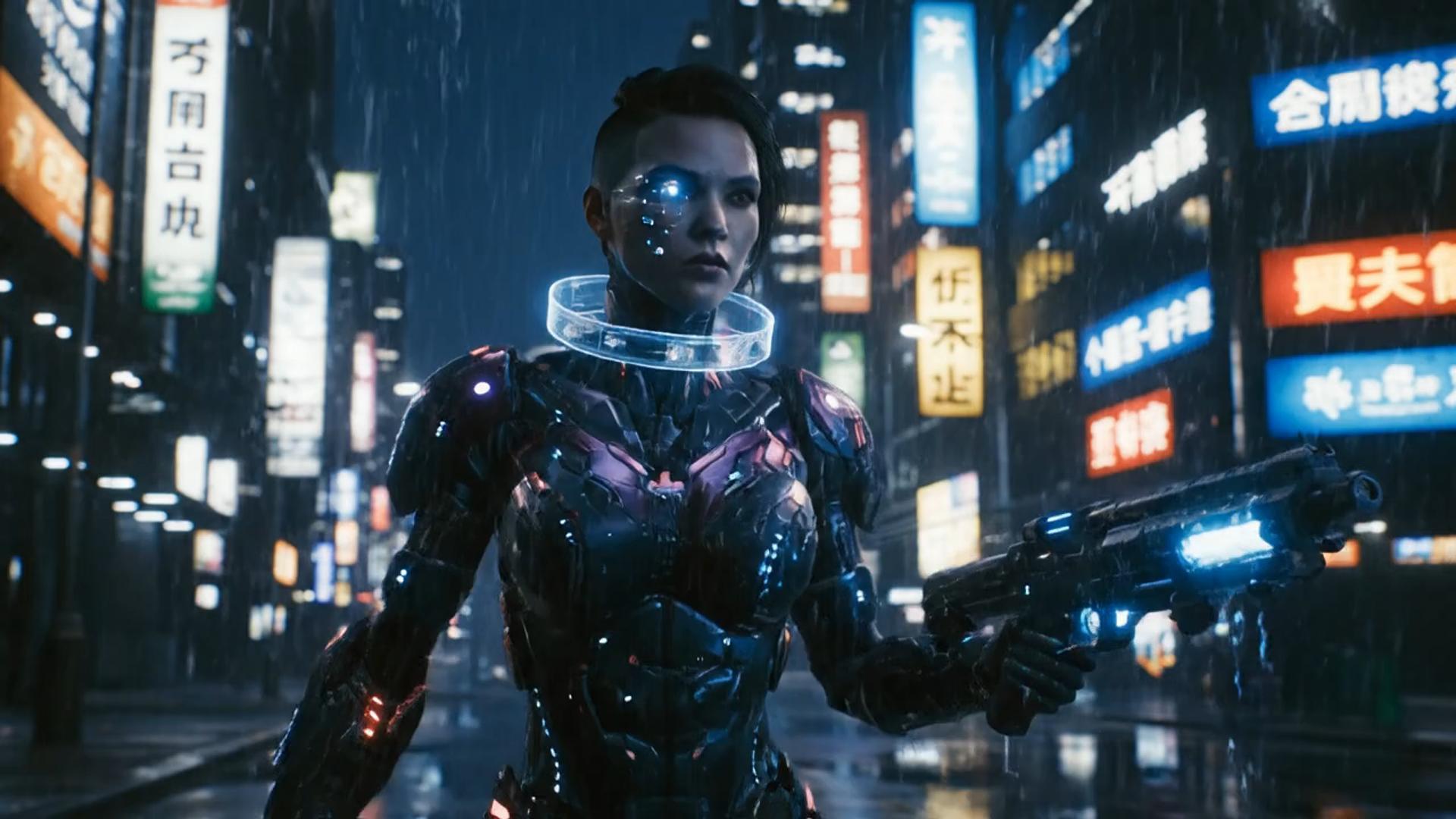
Illustrative city motion
Illustrative close-up texture

Illustrative character moment
Choose your starting point before you generate. Write an adult scene in the text-to-video workbench on this page, or open NSFW AI image to video to animate an authorized still. The template clips below illustrate motion and layout; they are not verified outputs from this AI porn video generator.
Choose your starting point
Describe one adult scene, a clear motion, and a camera direction. Check the selected model and credit cost, then submit. When the clip finishes, inspect the movement and visual details in History before changing one instruction for the next take.
Keep the scene brief, selected model, duration, resolution, and credit preview together. This page opens text-to-video; the related still-first workflow has the image upload controls.
Give the AI porn video generator a concise adult scene with a subject, movement, setting, and camera direction. Start with one short take so you can judge whether the model followed the brief before expanding the idea.
draft this on SeedreamStay in this workbench from text prompt to History. Changing length or resolution can change the displayed credit cost. Read that number before you generate again.
try the look in GPT ImageThis page uses the same text-to-video settings as the NSFW AI video generator workflow. Available models and output settings follow the workbench. Keep the same brief when comparing models, and review the credit cost for each run.
compare it on Nano BananaNo extra editor install is required. Open this page, write the text prompt, and manage finished clips in History.
restyle it in FluxCreate a short adult video from an idea you can describe, or start with an authorized still through the linked image-to-video workflow. Select the input path that matches your source material before paying for a run.
Turn a short scene description into a motion draft. Review the generated details before choosing it for a larger adult project.

Use the NSFW AI image to video link when a still is your starting point. Prepare the image there and describe the motion you want to add.
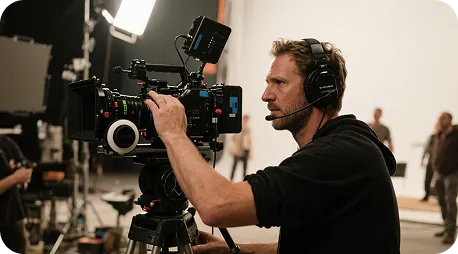
Test a short adult scene with one camera direction. Judge the output as a draft, including consistency and motion, before planning the next take.
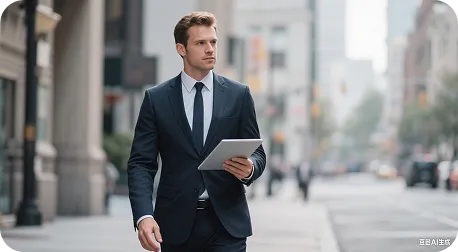
Keep the same core brief across runs and change one instruction at a time. Compare the completed clips in History.
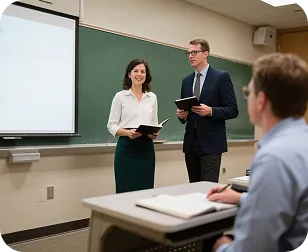
Describe an adult character scene from text, or choose still-first motion for an authorized character image. Review the style and character details after generation.
Workflow examples
These example notes describe practical checks from input to completed clip. They are workflow guidance, not customer testimonials or evidence of a particular generated result.
Input check
Choose the workflow
“Start here for a written adult scene. Choose NSFW AI image to video when the input is an authorized still.”
Motion check
Write the brief
“Describe one movement and a simple camera direction so the first clip is easier to evaluate.”
Camera check
Compare framing
“Keep the scene brief fixed while comparing two camera directions in separate takes.”
Continuity check
Review visual details
“Inspect faces, clothing, lighting, and backgrounds as well as movement before selecting a clip.”
Credit check
Before submission
“Read the credit cost again after changing duration, resolution, or the selected model.”
History check
After completion
“Use History to follow the task and preview the finished clip before deciding whether to generate again.”
Questions about the AI porn video generator, input options, credits, and History.
An AI porn video generator creates short adult video from a text prompt or an authorized still inside a browser workbench. This page starts with text-to-video; use the linked NSFW AI image to video tool when your starting point is a still. Compare the NSFW AI video generator when choosing a prompt-led video workflow. If your starting point is a photo, use NSFW AI image to video, or choose AI undress video for clothing-removal motion. Can I start from my own still? start from your own still.
This AI porn video generator is the adult-video entry: choose a text prompt here or jump to a still-first tool. NSFW AI video generator keeps the focused text-to-video workflow and controls. For still-first motion, use NSFW AI image to video.
Use the text-to-video workbench above when you want the model to interpret a written scene. If you already have an authorized image of adults and want to animate it, open NSFW AI image to video from the related tools. Do not treat the text prompt box as an image upload.
Yes. Keep the core scene and change one motion, camera, or style instruction for a new run. Compare completed takes in History. Each new generation uses the displayed credit cost; a particular result is not guaranteed.
The workbench shows the credit cost before you submit. Review it again after changing the model, duration, or resolution. After submission, check History for status and preview the completed clip. Wait time depends on the settings and queue.
Use adult subjects only, including fictional adult characters or stills of adults who have authorized this use. Existing minor hard-blocks still apply. Check your input rights and selected model terms before using an output in a project.
Use the AI porn video generator in three steps
The generator requests new motion from your input. A video editor arranges footage you already have. Start with generation when you need a first clip, then use an editor if your project needs timeline adjustments.
| Feature comparison | AI Porn Video Generator | Manual video editing |
|---|---|---|
| Ease of use | Write a scene and review the cost in the browser workbench | Scenes and editing must be built on a timeline |
| Visual variety | Prompt-led adult motion using the selected video model | Uses the footage and visual assets supplied to the editor |
| Prompt reading | Reads subject / action / camera notes from the text prompt | Uses manual edits rather than generating motion from a prompt |
| Templates and effects | Prompt-led motion from the text; no extra template pack is promised | Effects and reusable templates depend on the editor |
| What this page covers | Adult AI video generation with links to the still-first tool | Editing existing footage on a timeline |
| Customization | Change the text prompt, duration, or resolution, then generate again | Timeline and clip adjustments depend on the editor |
| Generation time | Cloud generation; wait time follows clip length and queue | Render time depends on hardware, footage, and edit complexity |
| Output | Output follows the selected duration and resolution on the chosen adult video model | Quality and watermarks depend on the other tool’s plan |
| Use cases | Short adult clips from a prompt, or an authorized still on the linked tool | Editing recorded or previously generated footage |
| Review | Finished clips land in History on this account | File review and collaboration depend on the editor |
| Pricing | Credit cost shown before each run; upgrade only if you need more | Pricing depends on the chosen editor |
Use NSFW AI video generator for the text-first workflow, NSFW AI image to video when you have an authorized still, or AI undress video for that specific motion brief. Each keeps its own tool page and input controls. You can undress a photo first or remove clothing on the still first.
Write your scene, choose the available output settings, and read the credit cost before you generate. Preview the completed clip in History. If your starting point is an authorized still, open NSFW AI image to video first.
