
Anyken
Pricing
Settings
Language
ThemeAtelier
NSFW Video GeneratorNSFW Image GeneratorPrivacy policyTerms of serviceRefund policy
Anyken
  • Home
  • For You
  • Studio
  • My AI
  • AI Video
  • AI Image
  • Anime / Manga
  • AI Tools
  • Generate
  • Agent
  • Home
  • For You

Create & chat

  • Studio
  • AI Video
  • AI Image
  • Anime / Manga
  • Generate
  • Agent

Public discovery

  • My AI
  • AI Tools
Upgrade for more
    1. Home
    2. ›AI Tools
    3. ›AI 90s Yearbook Trend

    Anyken AI

    AI 90s Yearbook Trend

    This ai 90s yearbook trend page locks the photo-to-video workbench. Upload an authorized senior-portrait or yearbook-style still, write one soft nostalgia motion note, review credits, then generate. It is not a blank CapCut template farm or an encyclopedia promise—availability follows the locked image-to-video models on the workbench.

    Anyken
    Veo 3
    Kling AI
    PixVerse
    Vidu AI
    Soft-flash senior portrait

    Soft-flash senior portrait

    Yearbook page texture detail

    Yearbook page texture detail

    Class-of nostalgia beat

    Class-of nostalgia beat

    Anyken turns a yearbook still into a short nostalgia clip

    Start from one authorized 90s yearbook-style portrait. Describe a gentle head turn, soft flash catchlight, or yearbook-page reveal, then iterate lighting and framing after you review the credits shown for that run.

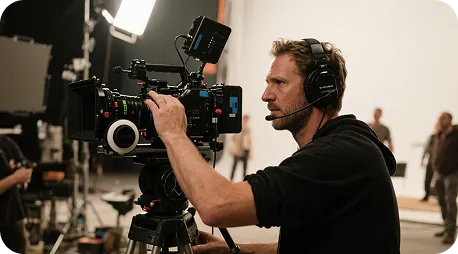
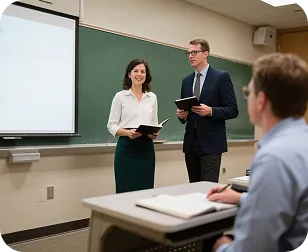
    Yearbook nostalgia sample clip
    Sample · 90s yearbook motion
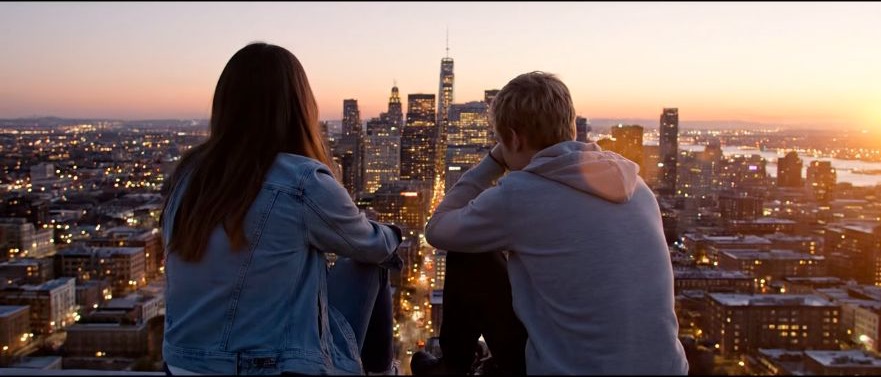
    ✦A cinematic city scene unfolds as the camera follows two friends at sunset...Warm evening light moves across the skyline in a gentle cinematic shot...↗

    Start from one yearbook still

    Generate first, then refine the nostalgia beat

    You do not need a full senior-portrait storyboard. Anyken turns one motion note into a short draft so you can adjust pose, soft flash, and page framing while staying locked to the reference still.

    Photo to nostalgia video, adjustable on the same workbench

    From yearbook still to short clip, keep the flow as upload → motion note → credit check → generate → review.

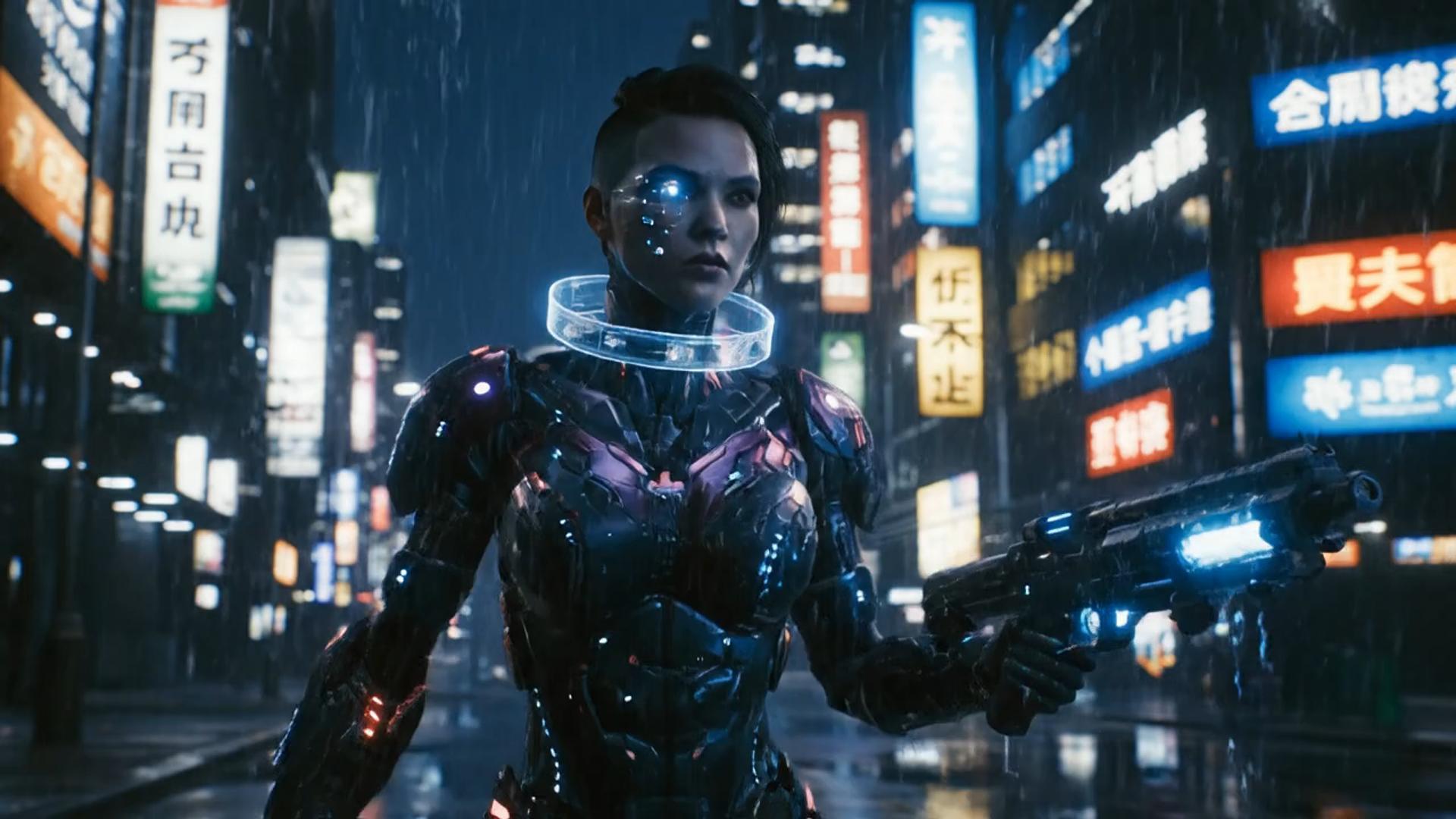
    ✦A cinematic character walks through a neon city in the rain...The camera follows the character as the lights begin to glow...↗
    01

    Still to nostalgia video without a shell page

    Upload an authorized yearbook-style portrait, add a short motion note, and Anyken helps you draft a social-ready nostalgia clip on the photo-to-video lock—not an empty query route.

    compare it on Nano Banana

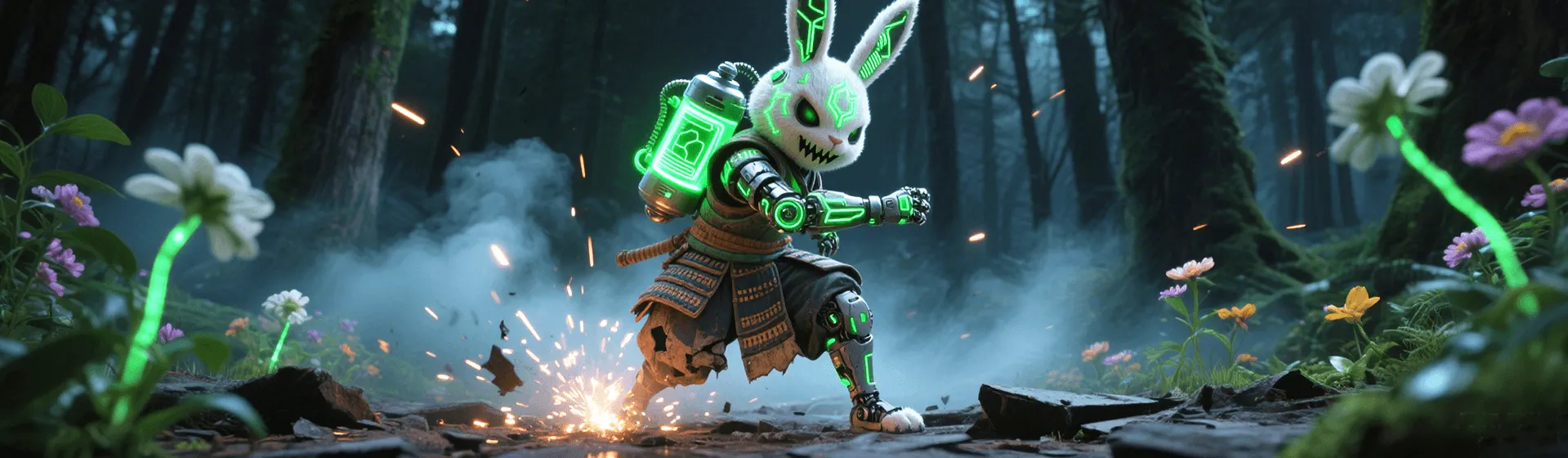
    ✦A baby bird hides under its mother’s wing as rain falls softly...Warm light moves across the feathers in a gentle close-up shot...↗
    02

    Iterate on one workbench with visible credits

    Preview, revise the motion note, and regenerate in the same image-to-video flow so you are not bouncing between encyclopedia pages.

    restyle it in Flux
    ✦The viewer looks up, the character turns toward the camera...A hand-held camera gently pushes in as the scene changes...↗
    03

    Nostalgia motion styles you can name in the note

    Steer soft flash, senior-portrait pose, yearbook spread framing, and gentle camera moves with the note, within what the locked model supports.

    place it on a Qwen still
    ✦Create a polished video from your idea, right in the browser...Review the result, refine the prompt, and generate another version...↗
    04

    Online photo-to-video for reunion drafts

    No extra install—open the Anyken workbench, upload the still, write the note, check credits, and manage history in one place.

    draft this on Seedream

    Built for 90s yearbook nostalgia clips

    Reunion planners, class-of nostalgia editors, and social creators who need a short 90s yearbook AI video draft without pretending this page is CapCut or a full documentary suite.

    Creators / reunion editors

    Creators / reunion editors

    Turn a class-of or throwback idea into a short social test clip from a real yearbook-style still.

    Alumni groups & event teams

    Alumni groups & event teams

    Explore soft-flash senior-portrait motion for class reunion posts without an encyclopedia promise or stock-template bait.

    Portrait & nostalgia editors

    Portrait & nostalgia editors

    Block a gentle yearbook-page reveal from real authorized portraits before a longer nostalgia edit.

    Social & campus marketers

    Social & campus marketers

    Compare soft head-turn timing versus yearbook-spread pan timing on the same 90s portrait stills.

    Yearbook advisors / teachers

    Yearbook advisors / teachers

    Turn reunion themes and caption drafts into short visual demos that stay honest about credits and authorization.

    Creator notes

    Honest workflow from still to first nostalgia take

    Write one motion note, generate, then tighten pose and flash language from the draft. The cards below show common habits—they are not testimonials or delivery promises.

    Alex Rivera

    Reunion clip editor

    “I split a reunion post into one soft head-turn note, generated a few takes, then picked the yearbook framing that kept the face true to the still.”

    Jordan Lee

    Throwback social creator

    “Going from a senior portrait to a first nostalgia draft is fast, and related photo-to-video tools help me try page-reveal beats next.”

    Sam Ortiz

    Nostalgia channel editor

    “The same yearbook still lets me rewrite only the motion note so I can compare soft pan versus subtle smile timing.”

    Casey Nguyen

    Student yearbook helper

    “From classic senior-portrait polish to playful 90s flash nostalgia, I can test both with one locked still and clear credits.”

    Riley Brooks

    Alumni event organizer

    “Drafting a class-of clip first, then tightening pose language, beats starting from a blank CapCut timeline.”

    Morgan Patel

    Yearbook advisor

    “Turning a reunion theme into one motion note makes the nostalgia beat easier to demo before a longer edit.”

    FAQ

    Common questions about the ai 90s yearbook trend photo-to-video workflow.

    What is the ai 90s yearbook trend tool?+−

    The ai 90s yearbook trend page animates an authorized yearbook-style still with one clear motion instruction on the image-to-video workbench. Specific pose, flash, and framing notes keep identity closer to the upload; you can iterate after reviewing credits.

    How long does a yearbook nostalgia clip take?+−

    Runtime depends on the locked photo-to-video model, resolution, clip length, and queue. After you submit, check history for status, then preview or download when the take finishes.

    Why does the clip differ from my note?+−

    Models blend subject, motion, framing, and soft-flash style. Split the note into subject + motion + yearbook setting + camera + light, and avoid conflicting instructions in one sentence.

    Can I revise after a take?+−

    Yes. Keep the same still, change only the motion or framing, then regenerate. If the vibe is wrong, swap soft-flash or page-layout language so you can compare versions—each run spends the credits shown.

    Can I try the ai 90s yearbook trend workbench?+−

    The page opens a real photo-to-video workbench. Available models, credits, and output specs follow your account and the on-screen lock; credits for the run appear before you generate.

    Can I use the nostalgia clip commercially?+−

    Confirm model terms, portrait authorization, and your plan before commercial use. This page does not promise third-party commercial licenses for you.

    Anyken ai 90s yearbook trend walkthrough

    Three steps to start

    Yearbook photo-to-video walkthrough

    Anyken yearbook photo-to-video vs traditional tools

    Keep upload, motion note, credit review, and preview in one photo-to-video workbench so nostalgia drafts do not jump tools mid-flow.

    Anyken yearbook photo-to-video vs traditional tools
    Feature comparisonAnyken ai 90s yearbook trendOther AI tools
    Ease of useLocked photo-to-video generate after credit checkManual timeline and template hunting
    Look diversitySenior-portrait and soft-flash nostalgia beatsFewer yearbook-specific motion options
    Still + note understandingReads motion notes against the uploaded stillKeyword-only matching with weak identity lock
    Notes and related toolsReusable yearbook motion notes you can reviseLimited reuse after a one-off template export
    Trend tool updatesRelated photo-to-video tools stay on the same site meshSparse nostalgia-tool updates
    CustomizationRevise motion note, still, and framing after each takeAlmost no post-take customization
    Render speedCloud render; time follows model and queueLocal hardware bound and slow
    Clip qualityOutput follows the locked photo-to-video model specsQuality and watermarks depend on the other tool plan
    Best forReunion posts, throwback reels, campus social clipsMostly single-purpose templates
    CollaborationShared history and versioned takes per accountSingle-seat or missing history tools
    PricingTry with visible credits; upgrade when you need moreHigh lock-in subscriptions with little flexibility

    More video creation tools

    Pick the Anyken workflow that matches your still—yearbook portrait, soft flash, or short social crop.

    AI Photo To Video Generator
    AI Photo To Video Generator→
    Photo to video
    Photo to video→
    ai video from this image
    ai video from this image→
    Anyken AI 90s yearbook trend
    Anyken AI

    Turn a yearbook still into a living nostalgia clip

    Start with one senior-portrait beat, then keep exploring related photo-to-video ideas on Anyken.

    View plans

    Explore More AI Image Tools

    • Dots video effects
    • GPT Image 2 Generator
    • GPT Image 2.5 Version Guide
    • Image 2.5 Generator
    • image2.5 Name Guide
    • Seedance 3.0 status tracker

    Model & settings

    Aspect Ratio

    Duration

    5s

    Resolution

    Repeat

    1
    2STARTER5LITE8PRO10MAXCurrent
    Advanced settings

    On: the video provider rewrites your prompt before it generates (prompt extend). Off: it uses the prompt in the box as you wrote it. The text in the box stays the same.

    This number is sent with the video. When the model, prompt, and references stay the same, the same seed can come close to the last result. The provider may still differ. Leave it unlocked and each run gets a new seed, so the next video is not identical.

    Public HTTPS URL · WAV/MP3 · 3–30 sec · up to 15 MB. Custom audio overrides generated audio.

    Upload image

    First frame

    End frameOptional

    Supports JPG, PNG, or WEBP, ≤10 MB, min size 300×300px

    Hints

    Prompt

    Prompt
    0/2000
    Credit cost

    1 videos · 77 credits

    Samples are examples. Results follow the prompt and model and will not match the preview. For a closer match, use Image to Image for a still or Video to Video for a clip.

    1 / 2